Arcane Hunger: aim controls, loot and extraction information
Arcane brings combat and environment information together in a configurable Hunger overlay. Choose which raid markers stay visible, how targeting behaves and what battle mode hides.
Choose period
Arcane
Before you buy
- Operating system
- Windows 10, Windows 11
- Processor
- Intel, AMD
- Client
- Steam
- Usb drive required
- Not required
- Game mode
- Borderless, Windowed
This is a summary. Check all requirements and ask the seller about unknown conditions.
Payment and delivery via Digiseller. The key arrives by email right after payment.
This is a digital product: there is no physical shipping or separate shipping charge.
Screenshots
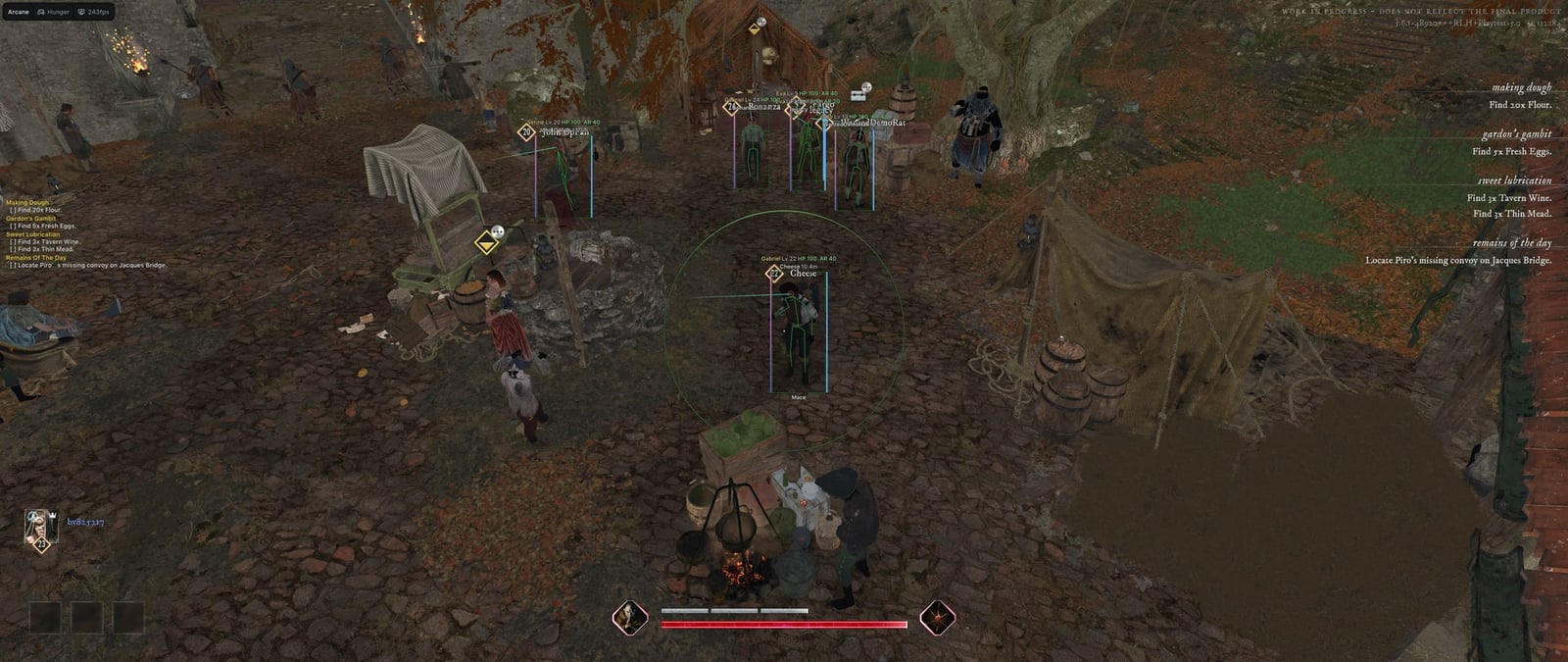
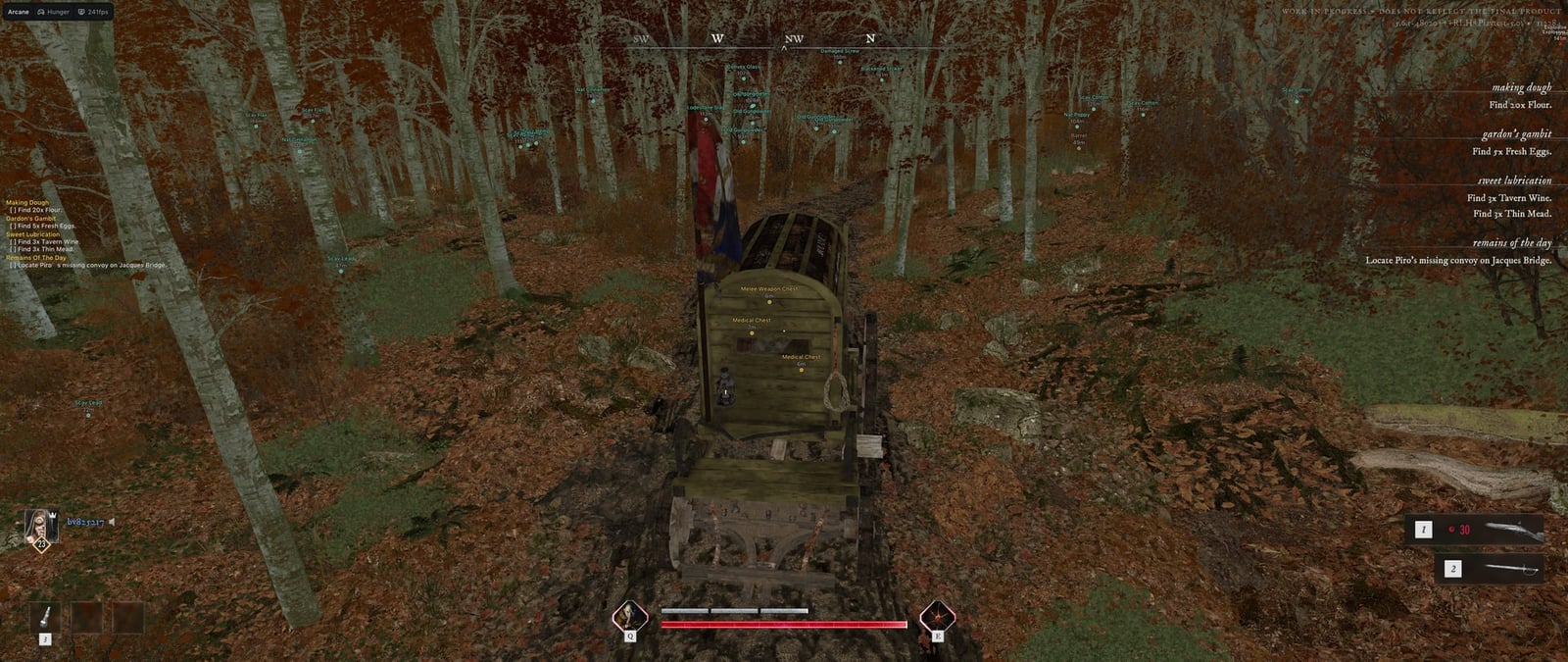
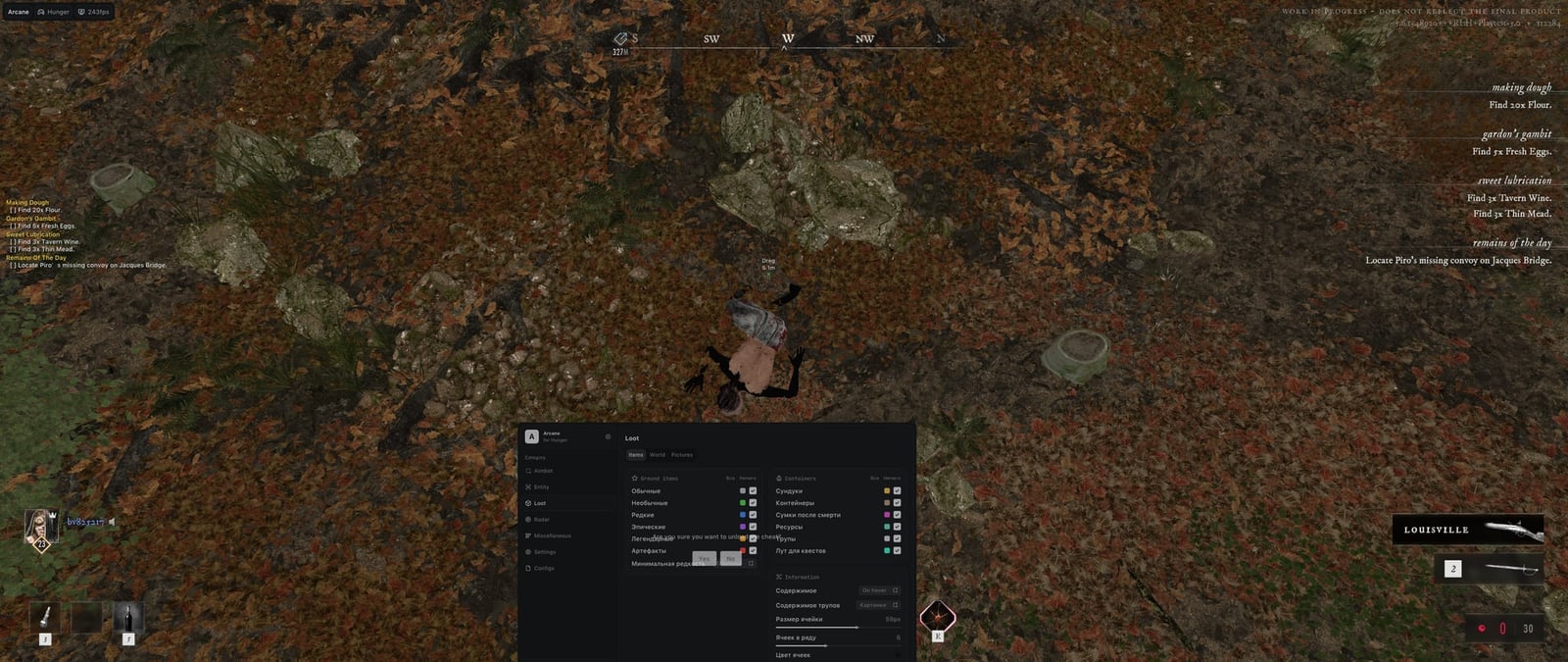
Features
146Aimbot
- Enable
- Keybind
- Force aim key
- Lock target
- Shift to head
- Visibility check
- Ignore teammates
- Max distance
- Prediction: (Fallback bullet speed)
- Prediction cross: (Cross size)
- Target switch delay: (Delay)
- Humanization system: (Humanization factor)
- Target: (Players, Bots, Mobs)
- Bone selection method: (Selected bones, Closest bone)
- Target bones: (Head, Neck, Body, Pelvis...)
- Activation: (On hold, Always, Toggle)
- Adaptive FOV
- Draw FOV Border: (Thickness)
- Draw FOV Background
- FOV Size
- Smoothness
Players & Bots ESP
- Bounding box: (Box, Corner)
- Box Filled: (Static, Gradient)
- Skeleton: (Thickness)
- Head circle: (Filled head circle)
- Visibility check: (Visible color, Invisible color)
- View line: (Line start color, Line end color)
- Line: (Top of screen, Bottom of the screen, Center of the screen)
- Nickname
- Distance
- Hero
- Level
- Weapon in hands
- Health bar: (Static, Health based, Gradient)
- Health text
- Armor bar
- ESP preview
- ESP style: (No background, With background)
- Show teammates
- Rendering Distance
Mobs ESP
- Bounding box: (Box, Corner)
- Box Filled: (Static, Gradient)
- Skeleton: (Thickness)
- Head circle: (Filled head circle)
- Visibility check: (Visible color, Invisible color)
- View line: (Line start color, Line end color)
- Line: (Top of screen, Bottom of the screen, Center of the screen)
- Name
- Distance
- State: (Combat color, Targeting you color)
- Health bar: (Static, Health based, Gradient)
- Health text
- ESP preview
- ESP style: (No background, With background)
- Hide sleeping
- Rendering Distance
Items ESP
- Ground items: (Common, Uncommon, Rare, Epic...)
- Minimum rarity: (Common, Uncommon, Rare, Epic...)
- Chests
- Containers
- Death bags
- Resources
- Corpses
- Quest loot
- Contents: (None, On hover, All)
- Contents view: (Text, Pictures)
- Cell size
- Cells per row
- Hide empty
- Color by rarity
- Show Distance
- Rendering Distance
World ESP
- Extraction points: (Max distance)
- Quest items
- Quest objectives
- Quest list on screen
- Explosive traps
- Sound traps
- Poison areas
- Raid timer
- Show Distance
- Rendering Distance
Item pictures
- Item style: (Text, Picture, Text + Picture)
- Picture source: (Silhouette, Image)
- Picture size
- Picture opacity
- Picture outline
- Outline shape: (Contour, Box)
- Outline style: (Static, Rainbow)
- Outline thickness
Radar
- Enable
- Distance rings
- FOV cone
- Scale by distance
- Zoom
- Size
- Transparency
- Entities: (Players, Bots, Mobs, Items...)
- Max distance
- Show on rim
Off-screen
- Enable
- Targets: (Players, Bots, Mobs, Extraction points)
- Range
- Size
- Max distance
Player Exploits
- FOV changer: (FOV value)
- Big player: (Player size)
- No camera shake
- Infinite stamina
- Infinite energy
- Free camera: (Free camera key, Camera speed, Camera boost, Camera boost key...)
View Exploits
- Fullbright: (Unlit, Detail lighting, Lighting only, Wireframe)
- No screen effects
Weapon Exploits
- No recoil
- No spread
- No sway
- Instant ADS
- No shot smoke
- Auto fire mode: (Hold key, Reload time)
- Fast reload: (Reload speed)
- Fast weapon switch: (Switch speed)
- Fast melee: (Attack speed)
- Melee reach: (Max reach, Auto target nearest visible, Auto attack, Attack interval)
Settings
- Menu key
- Unload key
- Enable Crosshair: (Plus, Circle, Dot, X Cross...)
- DPI Scale: (100%, 125%, 150%)
- VSync
- FPS Limit
- Theme: (Murky, Sunny)
- Watermark
- Layout: (Two columns, One column)
- Language: (English, Russian, Chinese)
Battle mode
- Battle mode
- Battle mode key
- Activation: (Toggle, On hold)
- Hide bots
- Hide mobs
- Hide items
- Hide world objects
- Hide items on radar
Configs
- Create new
- Launch
- Save
- Edit name
- Remove
Safety
Run the first session with a minimal set of modules and in the required window mode.
The required window mode is Borderless, Windowed; set it before entering a match. A drive is part of the routine: Not required.
System requirements
| Processor | Intel, AMD |
|---|---|
| Graphics card | All |
| Operating system | Windows 10, Windows 11 |
| Game mode | Borderless, Windowed |
| Client | Steam |
| Launcher | Steam, Epic Games |
| Spoofer required | Not included |
| Usb drive required | Not required |
Targets, loot and the way out
Players and bots can display boxes, skeletons, health, armor and equipped weapons. Mobs have a separate section, while loot can be filtered by rarity. Container contents appear as text or pictures. World markers cover extraction points, quests, traps and the raid timer.
Aiming and weapon controls
Aimbot settings include target and bone selection, prediction, smoothing, FOV and visibility checks. Weapon controls cover recoil, spread, reloads and melee attacks. The complete list of switches appears below.
Overlay and launch conditions
Radar and off-screen indicators track objects beyond the screen. Battle mode hides selected marker categories, and configuration profiles store your interface choices. Review requirements before paying: Windows 10/11, Intel/AMD, any GPU and windowed or borderless mode. The materials list the Steam client and Steam/Epic Games launchers. A spoofer is not included; no USB drive is required.
What to know before buying
How payment and delivery work
Checkout happens on the seller's side: for most cheats that is Digiseller, where the key appears on the order page as soon as the payment clears and is mirrored to your email. Some cheats are delivered manually — the key arrives once the seller confirms the order, and that is almost always the only reason for a delay. The licence countdown starts when the key is activated, not when you pay.
Ban risk, plainly
There is no safe cheat — only different odds of being caught in the next wave. Nobody compensates a lost game account: the key pays for access to software, not for an outcome.
Why cheats get detectedBefore the first launch
A radar renders on a second screen or phone and never touches the game itself — that is what makes it calmer than internal cheats. The phone link needs both devices on one network, so set it up before the match, not in the lobby.
Safe launch checklist