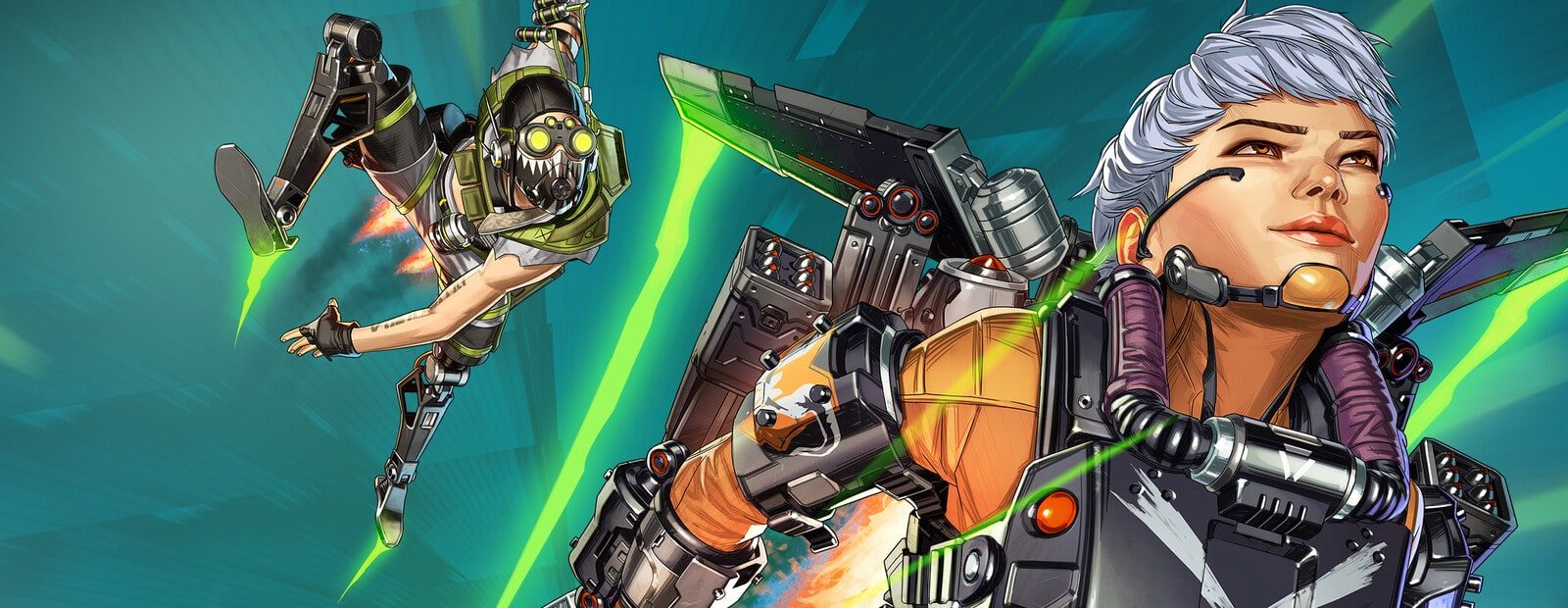
What Cipher changes
Respawn Entertainment has shown the Cipher season for Apex Legends, scheduled to launch on November 3 for PC and consoles. The update includes a reworked Crypto, the option to carry two Wingman pistols, and adjustments to Ranked play.
Crypto Rewired is being repositioned as a more active combat legend. The stated direction is to let him gather intel while participating in fights rather than making his kit revolve around controlling the drone from a distance. That can change how teams obtain information during engagements. Dual Wingmans may also alter common close- and mid-range encounters.
The practical impact on software
For PC users, the relevant part is that a major game update is coming. A new game build can change client-side data and break a product that worked before the patch. Do not launch an old build after Cipher goes live until the developer of your own product has posted its current status.
That applies whether you use Covcheg for Apex Legends or Ancient. A status for another product is not evidence that yours is ready. Likewise, an “updating” label is not a launch signal: it means compatibility is still being checked or work is still in progress.
The source does not mention an anti-cheat update, a detection event, or a ban wave. There is no basis to claim that Cipher itself creates a ban wave, and no basis to call it low-risk either. No cheat is risk-free, regardless of whether a ban announcement accompanies a patch.
Launch on patch day or wait?
Before Cipher releases, the current game build is a separate situation. After installing the season patch, use one rule: if your product does not have a confirmed post-patch status, do not run it. A confirmed status is not a promise about account safety; it only reflects the product developer’s current update state.
Avoid unofficial replacement files, random chat “fixes,” or reinstalling the game as a supposed workaround. None of these actions verifies compatibility, and they can introduce additional issues. Before any session, use the safe launch checklist to review your setup, close unnecessary overlays or capture tools, and avoid combining loaders.
If your product is not confirmed after the update, waiting is the sensible option. If an account has already been restricted, follow the steps in our what to do after a ban guide instead of relying on instant-unban claims.
What to watch after November 3
Check the product’s current status, notices that a new build is required, and any notes about functions that are temporarily unavailable. A game patch does not necessarily affect every feature in the same way, so an old feature list is not a substitute for a current update notice.
Cipher changes gameplay and Ranked, but the source does not connect those changes to ESP, aim assistance, macros, or any other cheat function. Do not assume a feature is affected—or unaffected—without a direct statement from the product developer. For context on how updates, detections, and player behavior contribute to different risks, read why cheats get detected.
Original source developer announcement