BLEAK PUBG — Aimbot, ESP, Loot and 2D Radar
The 29 September BLEAK PUBG update adds Battle Mode, ESP recovery after alt-tabbing or read interruptions, a redesigned RCS, a new menu and live font controls.
Choose period
Bleak
Payment and delivery via Digiseller. The key arrives by email right after payment.
This is a digital product: there is no physical shipping or separate shipping charge.
Screenshots
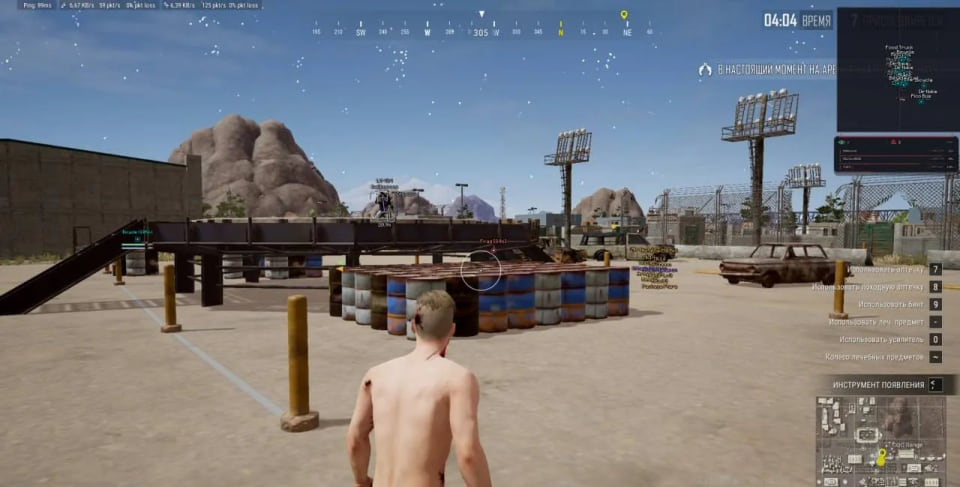
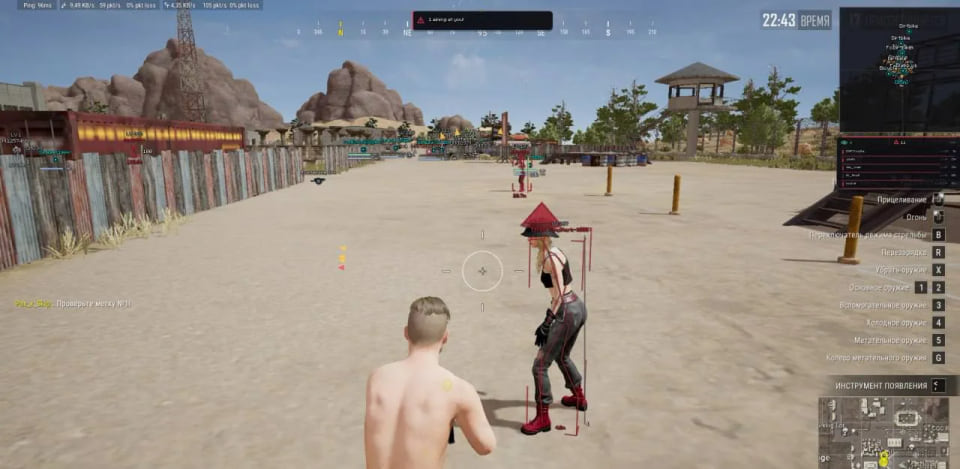
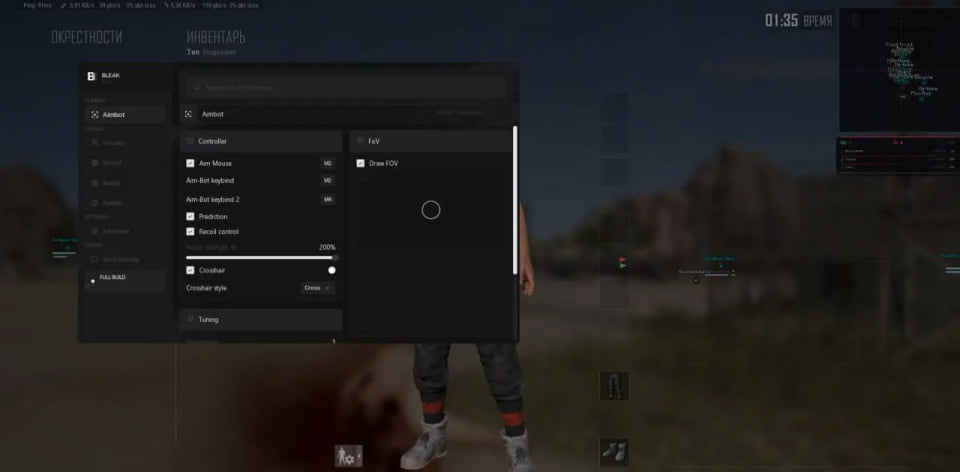
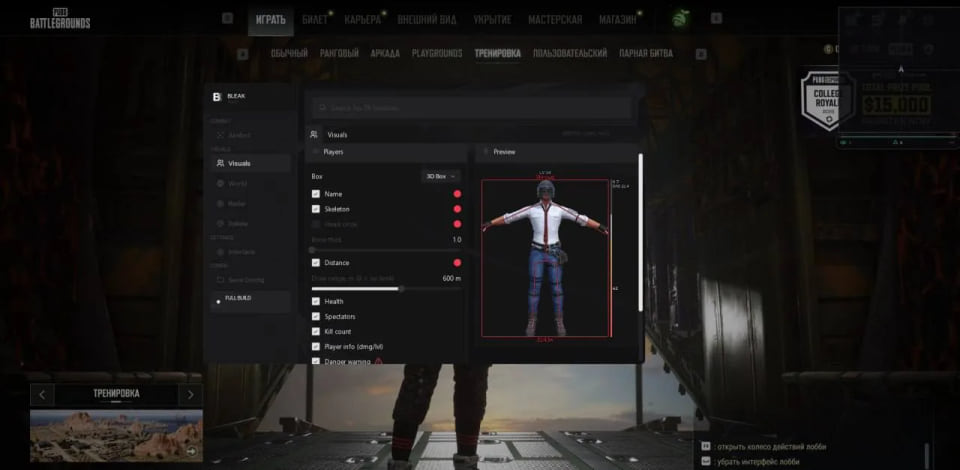
Features
28Aim assistance
- Two activation keys and a configurable crosshair
- Smoothing, FOV radius, fill and circle or square shape
- Target bone: head, neck or chest
- Visible Check for visible targets
- Bullet prediction for target movement and bullet drop
- Recoil control with automatic weapon adjustment and manual strength
Player ESP
- Boxes, names, skeletons and configurable bone thickness
- Distance, health, kills, damage and survival level
- Spectator list and knocked-player highlight
- Nearby-enemy, aiming-at-you and off-screen warnings
- Display range and live ESP preview
World ESP
- Loot categories, level-three items and Smart Loot Filter
- Grenades and airdrops with distance
- Vehicles with distance, durability and fuel
- Separate display range controls for items and vehicles
2D radar
- Players, items and vehicles
- Zoom, size and X/Y position controls
Interface and profiles
- Russian and English interface
- Feature search and individual color palette
- Create, save, load and delete configuration profiles
29 September update — ESP stability
- Battle Mode (F4 by default): hides loot, vehicle, grenade and airdrop ESP with one key while keeping players, skeletons, radar and warnings visible; the key is remappable and the radar shows an active-mode indicator
- ESP automatically recovers after memory interruptions, minimizing or Alt+Tab without re-entering the match or reinjecting; the last valid frame prevents 7–14-second dropouts and flicker, close-range boxes remain visible, and freshness-controlled caching plus RAM-guard removes stale-coordinate teleports, jerky skeletons and 8–28-second MMIO freezes
29 September update — RCS and visuals
- Redesigned RCS reads the aiming state from game memory, supports any aim bind, preserves fractional compensation between shots and provides stronger, smoother vertical control for AKM and Beryl; Pixel, Minecraft and Exo2 fonts plus 8–18 px sizing apply live, while Danger warnings keep a readable minimum size
- The 3D head marker uses world coordinates with correct scale and angle; loot uses the compact white “Name 145m” style with a black outline, and ESP Preview shows the model, skeleton, marker, HP bar, box and distance before entering a match
29 September update — interface and localization
- Redesigned 880×560 menu with the new theme, fonts and logo; full Russian localization covers all 142 menu strings, loot names, dialogs, m/km units and 43 vehicle names including Dirtbike, Food Truck, armored UAZ, Buggy and Dacia, with live language switching
- Toggleable menu background animation under Interface → Menu; enabled by default
29 September update — protection and overlay
- Module Protection removes the module from the process module list and wipes PE headers; Trace Hiding stores configs in a neutral folder without the product name and clears additional work traces
- Overlay attachment is fixed after reinjection and reconnects on the first attempt after repeated restarts
Safety
Before launch, disable Windows Defender, VBS and Core Isolation, enable Discord Game Overlay and run Discord as administrator.
Third-party software may violate the PUBG rules and lead to account restrictions. Ban-free use is not guaranteed.
System requirements
| Game client | Steam |
|---|---|
| Operating systems | Windows 10–11 (2004–26H1) |
| Secure Boot | Works with enabled |
| BIOS | Any |
| Disk type | Any |
| Required overlay | Discord Game Overlay |
| Must disable | Windows Defender, VBS, Core Isolation |
Battle Mode clears the noisy world markers with one key by hiding loot, vehicles, grenades and airdrops. Player data, skeletons, radar and warnings stay visible, the bind can be changed, and the radar shows when the mode is active.
ESP stability
The memory reader and actor recovery path have been rebuilt. ESP returns after minimizing or alt-tabbing without joining the match again or reinjecting, while the last valid frame prevents flicker and 7–14-second dropouts. The update also addresses missing close-range boxes, stale-coordinate skeleton jumps and long MMIO stalls.
RCS and visual controls
RCS now reads the aim state from the game, works with any aim bind and retains fractional compensation between shots. Vertical control for AKM and Beryl is stronger and smoother. Pixel, Minecraft and Exo2 fonts and 8–18 px sizing apply live; the 3D head marker uses world coordinates, and ESP Preview shows the box, skeleton, health and distance before a match.
Menu and localization
The interface moves to an 880×560 window with a new theme and logo. Russian localization covers 142 menu strings, loot labels, dialogs, units and 43 vehicle names. The animated menu background can be disabled with its own switch.
Protection and overlay
Module Protection removes the module from the process list and clears PE headers, while Trace Hiding stores configs under a neutral directory and clears additional work traces. Overlay attachment after reinjection and repeated restarts has also been fixed.
Compatibility and plans
The product requires the Steam version of PUBG, Windows 10/11 versions 2004–26H1 and Discord Game Overlay. Keys are available for 1, 7 and 30 days.
What to know before buying
How payment and delivery work
Checkout happens on the seller's side: for most cheats that is Digiseller, where the key appears on the order page as soon as the payment clears and is mirrored to your email. Some cheats are delivered manually — the key arrives once the seller confirms the order, and that is almost always the only reason for a delay. The licence countdown starts when the key is activated, not when you pay.
Ban risk, plainly
There is no safe cheat — only different odds of being caught in the next wave. Nobody compensates a lost game account: the key pays for access to software, not for an outcome.
Why cheats get detectedBefore the first launch
A radar renders on a second screen or phone and never touches the game itself — that is what makes it calmer than internal cheats. The phone link needs both devices on one network, so set it up before the match, not in the lobby.
Safe launch checklistSetup guide
Prepare Discord and disable the conflicting Windows components before opening the loader. The game starts automatically; use F4 from the PUBG main menu to complete the injection.
FAQ
Which system and client are supported?
What is included in BLEAK PUBG?
How long can I buy BLEAK PUBG for?
What does Battle Mode hide?
Do font changes require a restart?
Other cheats for PUBG
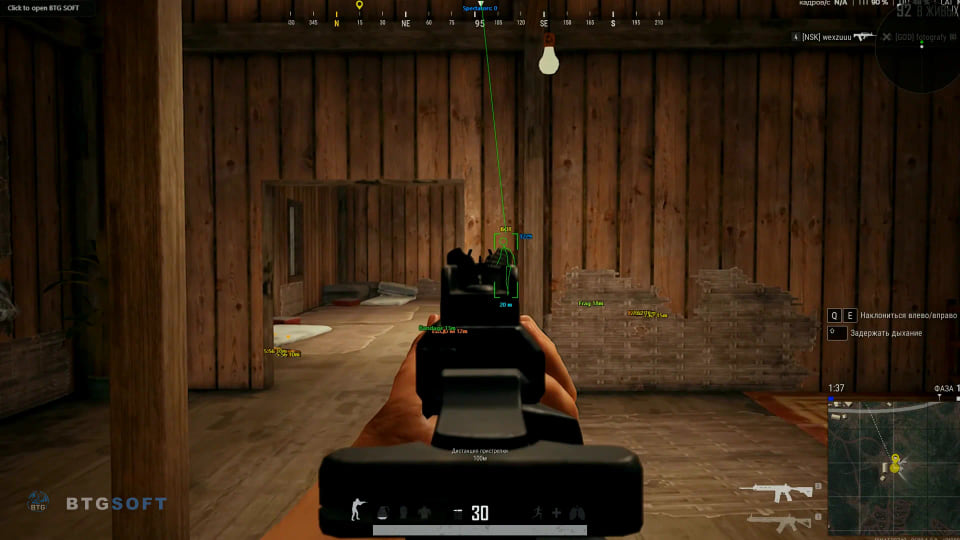
BTG hack for PUBG
BTGBTG overlays player and loot information in PUBG; the latest update brings a cleaner menu and more practical item filtering.
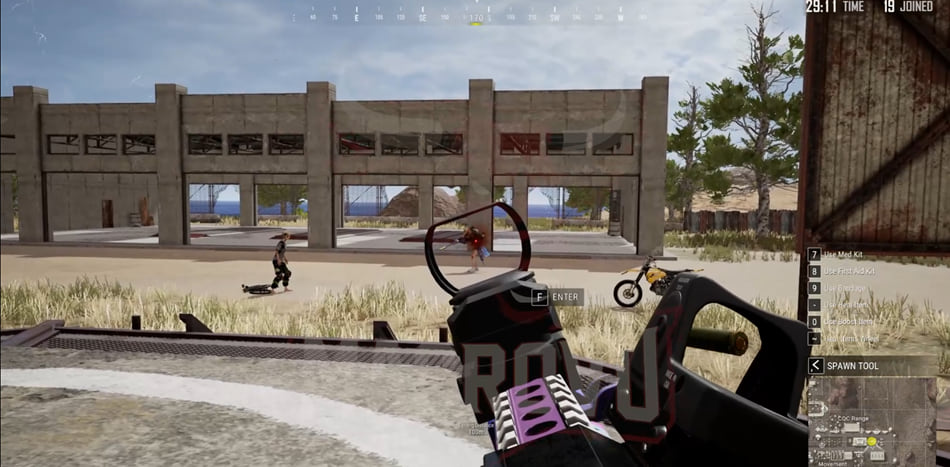
CMD hack for PUBG
CMDCMD Full covers both sides of PUBG — aim modules and on-screen data — across 14 menu entries. Deliberately left out: Macro.
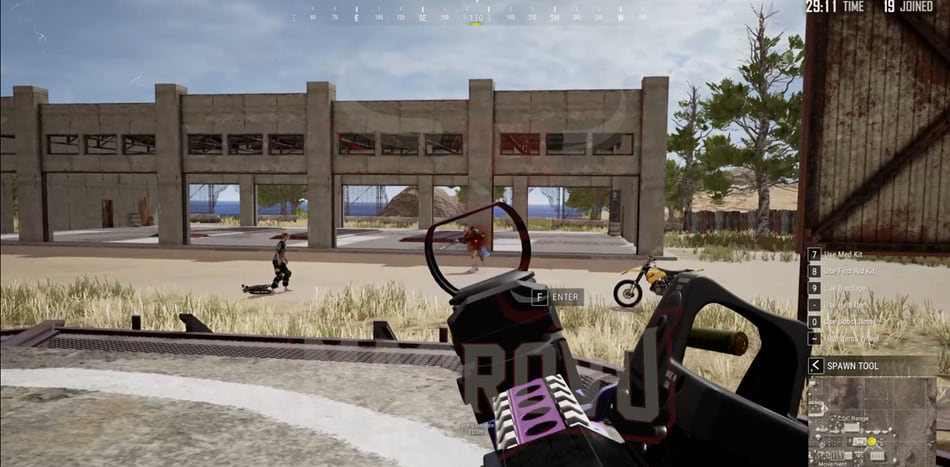
CMD Macro: utility for PUBG
CMDCMD Macro solves one narrow task in PUBG and does not pretend to be a full cheat. Deliberately left out: ESP, Wallhack and Loot ESP.
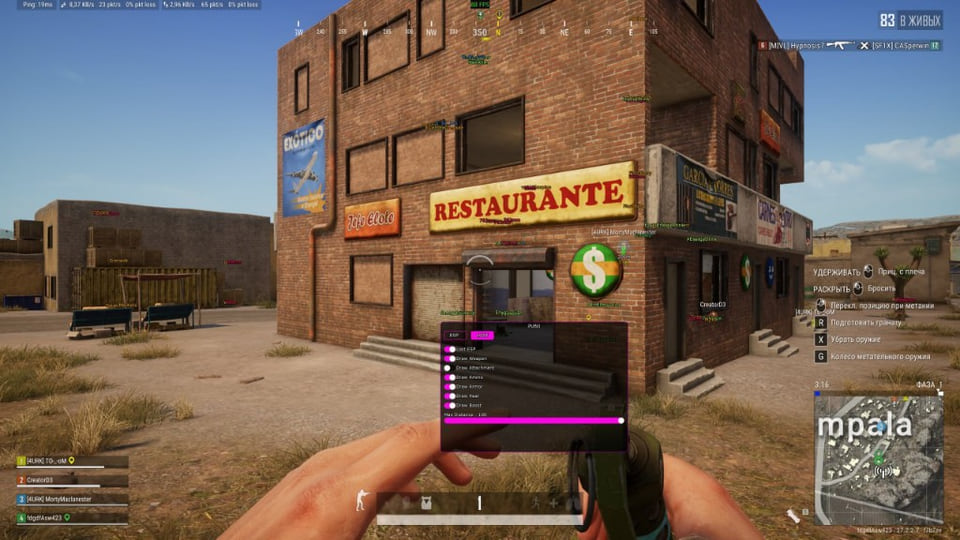
Covcheg hack for PUBG
CovchegA visuals-only cheat for PUBG: Covcheg Pubg tells you what is around, the shooting stays manual.