Fsociety Macro for PUBG — Automatic Recoil Compensation
A separate Fsociety edition without ESP or aimbot modules: automatic RCS that adapts to the weapon, scope, attachments and stance in PUBG.
Choose period
Fsociety
Payment and delivery via Digiseller. The key arrives by email right after payment.
This is a digital product: there is no physical shipping or separate shipping charge.
Screenshots
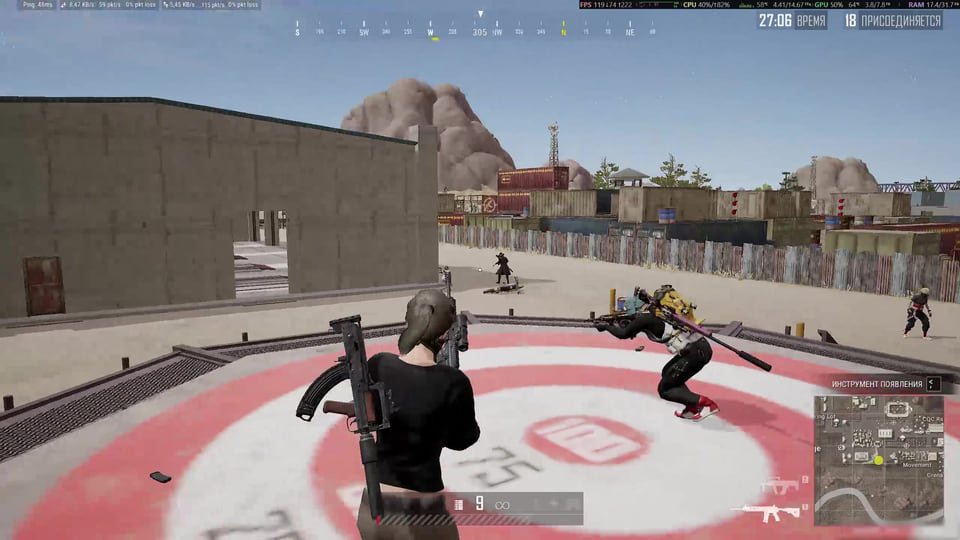
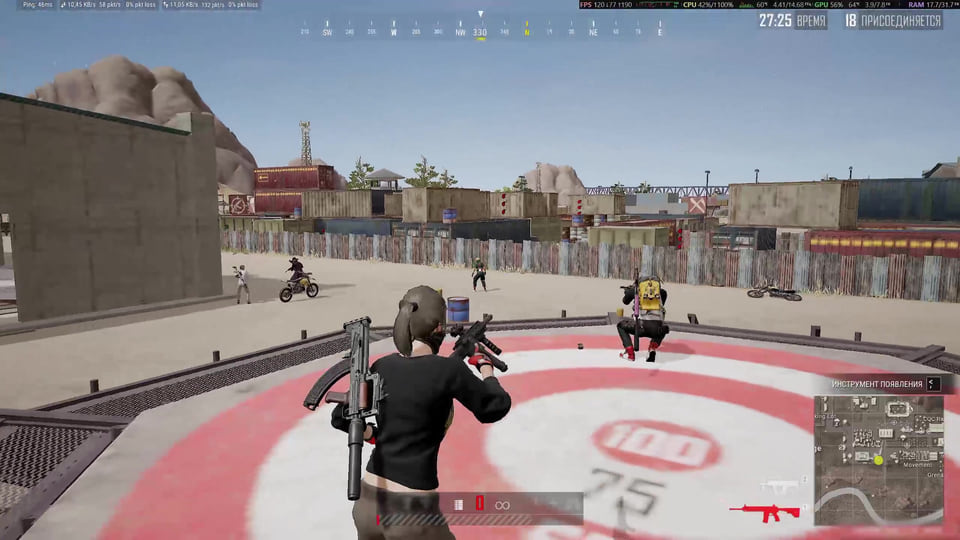
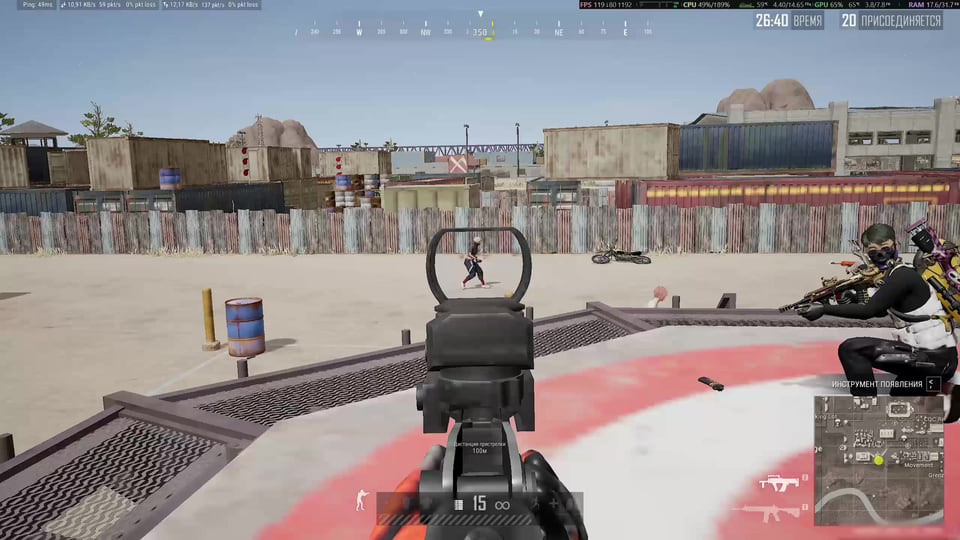
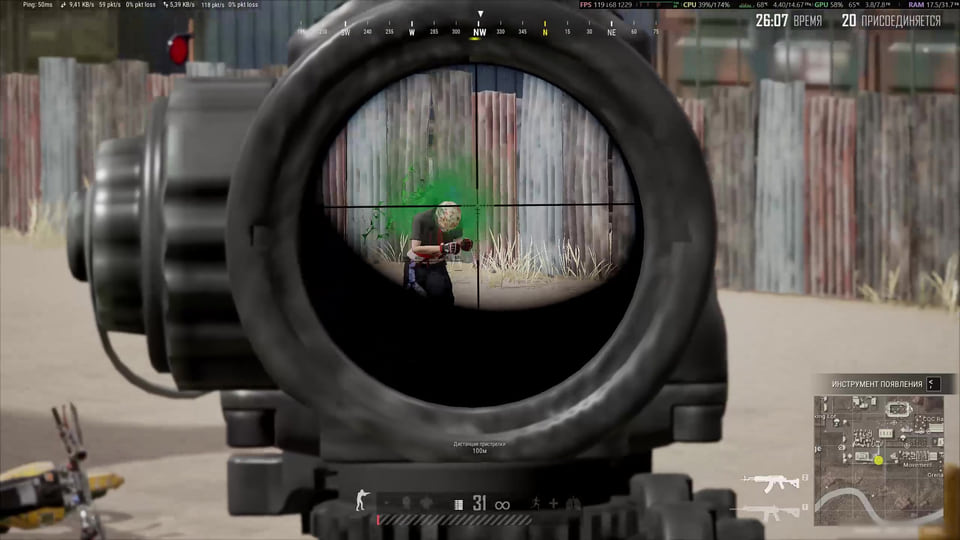
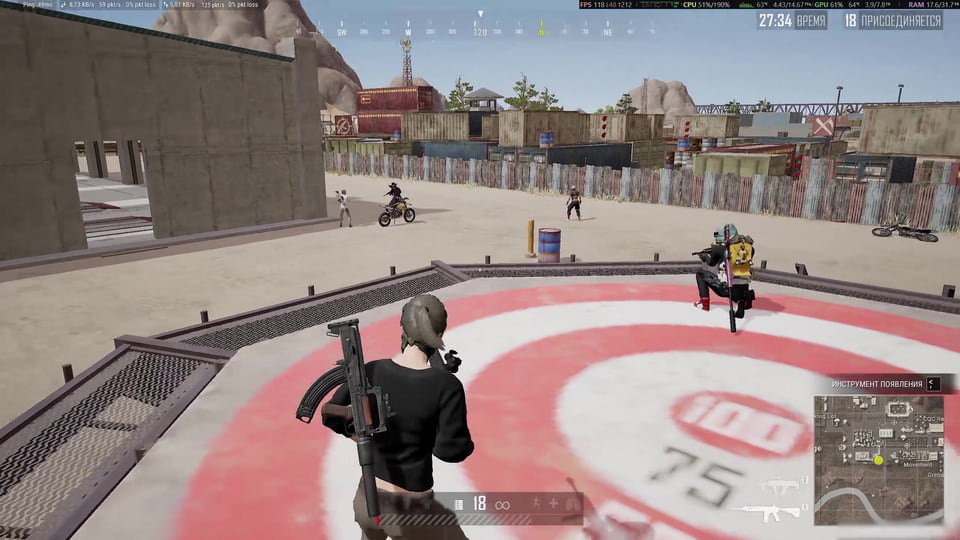
Features
12Recoil Compensation
- Automatically accounts for the weapon, scope, attachments and stance
- Strength — compensation from 0 to 100% (default: 100%)
- Randomize — randomized mouse movement from 0 to 10 (default: 0)
- Opening Pull — start-of-burst adjustment while both mouse buttons are held with an automatic weapon
Sensitivity & Configuration
- Reads PUBG sensitivity values automatically at every launch
- Restart the game and the software after changing sensitivity
- F4 resets all settings; F10 saves the current configuration
Hotkeys
- F3 — enable or disable the macro
- F5 / F6 — increase or decrease Strength by 5
- F7 / F8 — increase or decrease Randomize by 1
- F9 — enable or disable Opening Pull
- End — unload the macro
Safety
Critical limitation: Windows 11 builds newer than 26200.8037 are not supported. The Windows display language does not determine compatibility; the exact build number does.
Steam, Intel and AMD processors, and Windowed or Borderless mode are listed. No USB flash drive is required.
System requirements
| Operating systems | Windows 10 — any build; Windows 11 x64 — 24H2 / 25H2, up to and including build 26200.8037 |
|---|---|
| Game clients | Steam |
| Processors | Intel / AMD |
| Game mode | Windowed / Borderless |
| Usb flash drive | Not required |
| Not supported | Windows 11 builds newer than 26200.8037 |
Important: check your Windows build first
The macro does not support every recent Windows 11 build. Windows 10 on any build and Windows 11 x64 24H2 / 25H2 only up to and including build 26200.8037 are supported. Windows 11 builds newer than 26200.8037 are not. Open your system information and confirm the exact build before purchase.
Automatic RCS
Fsociety Macro compensates for recoil while accounting for the selected weapon, scope, attachments and stance. You do not need to find and configure a separate profile for each combination. Strength controls the compensation level from 0 to 100%; the default is 100%.
Randomize and Opening Pull
Randomize adds randomized mouse movement and runs from 0 to 10; it is disabled by default. Opening Pull adjusts the start of a burst while both mouse buttons are held. This option works only with automatic weapons.
Sensitivity and saved settings
The macro reads PUBG sensitivity settings at every launch. If you change sensitivity in the game, restart both PUBG and the software. F4 restores the defaults, while F10 saves the current configuration.
Keyboard controls
F3 enables or disables the macro; F5/F6 adjust Strength in steps of 5; F7/F8 adjust Randomize in steps of 1; F9 toggles Opening Pull. End unloads the software completely.
Access periods
Licences are available for 1, 7 and 30 days. Current prices are loaded from DigiSeller and displayed next to the checkout buttons.
What to know before buying
How payment and delivery work
Checkout happens on the seller's side: for most cheats that is Digiseller, where the key appears on the order page as soon as the payment clears and is mirrored to your email. Some cheats are delivered manually — the key arrives once the seller confirms the order, and that is almost always the only reason for a delay. The licence countdown starts when the key is activated, not when you pay.
Ban risk, plainly
There is no safe cheat — only different odds of being caught in the next wave. Nobody compensates a lost game account: the key pays for access to software, not for an outcome.
Why cheats get detectedBefore the first launch
The routine is always the same: set the window mode from the requirements, start the software before entering a match, and do not switch everything on at once. The most dangerous window is the first days after a game or anti-cheat patch.
Safe launch checklistFAQ
Which Windows versions are supported?
Do I need a separate setup for every weapon?
When does Opening Pull work?
Which access periods are available?
Other cheats for PUBG
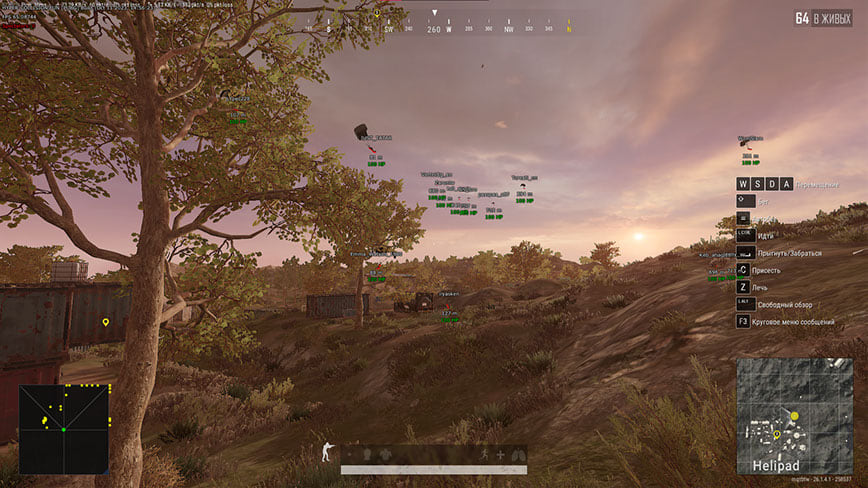
Hyper hack for PUBG
HyperHyper covers both sides of PUBG — aim modules and on-screen data — across 39 menu entries.
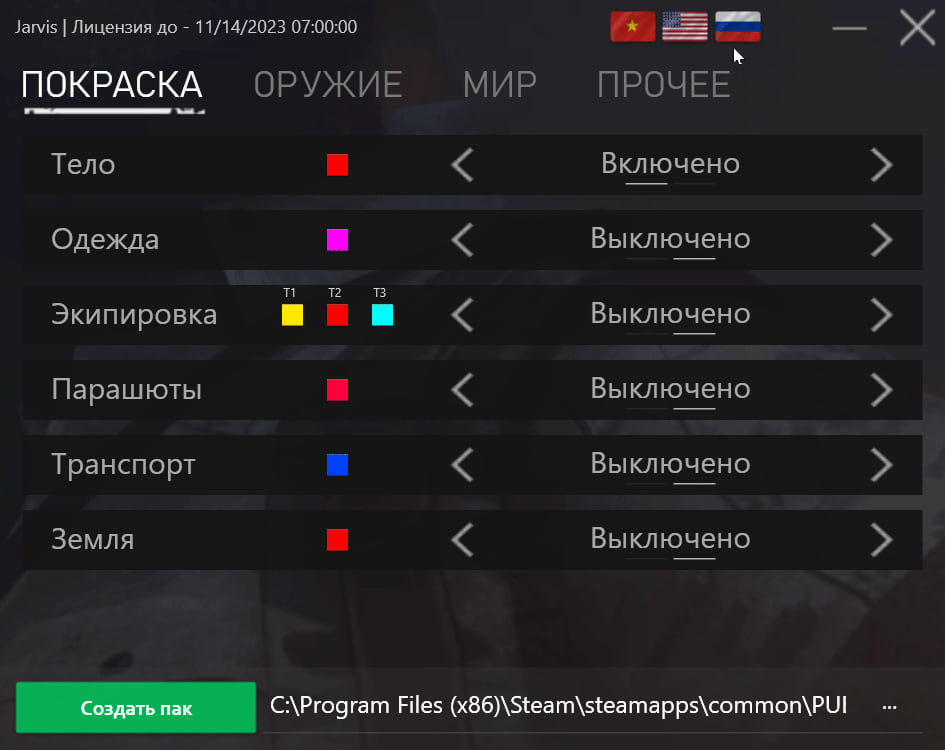
Jarvis hack for PUBG
JarvisJarvis Pak covers both sides of PUBG — aim modules and on-screen data — across 21 menu entries. Deliberately left out: ESP, Wallhack and Loot ESP.
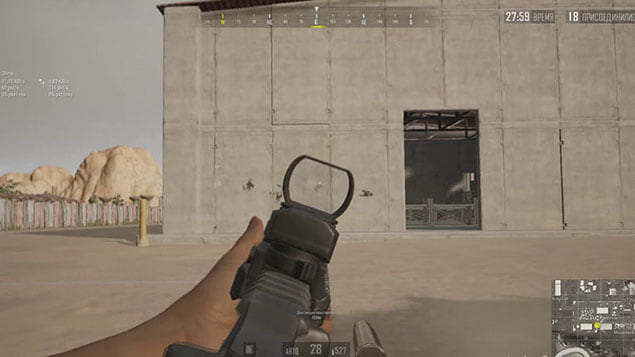
Macros hack for PUBG
MacrosMacros is a single-purpose tool for PUBG.
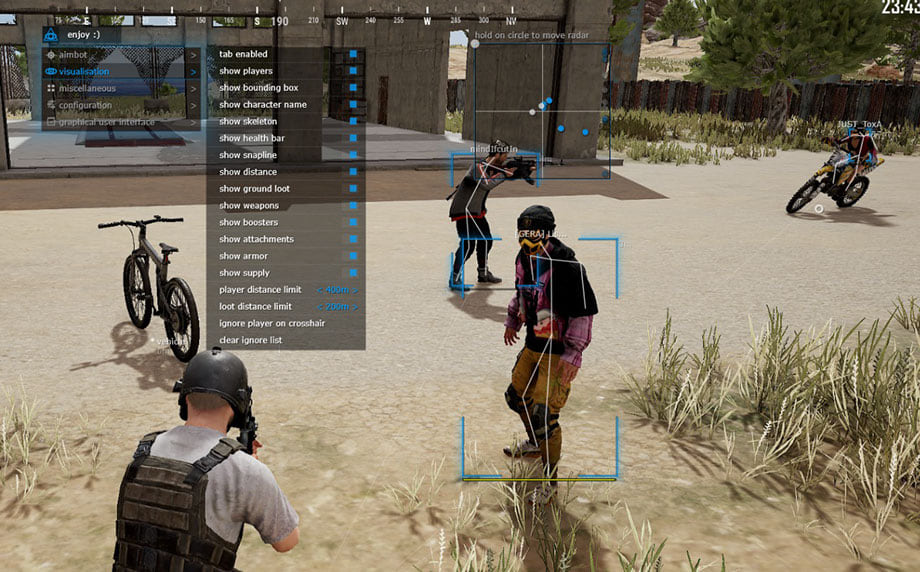
Mason hack for PUBG
MasonMason is an all-in-one cheat for PUBG, from crosshair assistance to map markers. Supported client: Steam.