JAV for PUBG: overlays, aiming and recoil controls
Check your operating system first: this JAV build requires Windows 10. Once prepared, it provides overlays, aiming controls and recoil compensation.
Choose period
CMD
Before you buy
- Operating system
- Windows 10 only. JAV DOES NOT WORK on Windows 11. VT-x / SVM virtualization must be enabled in BIOS/UEFI.
- Processor
- Intel and AMD
- Virtualization
- Full VT-x (Intel) / SVM (AMD) enabled in BIOS/UEFI
- Game mode
- Borderless window mode — required
This is a summary. Check all requirements and ask the seller about unknown conditions.
Payment and delivery via Digiseller. The key arrives by email right after payment.
This is a digital product: there is no physical shipping or separate shipping charge.
Screenshots
Video demo
The player needs scripts, and they are currently off: Open the video file →
Features
17Display and maps
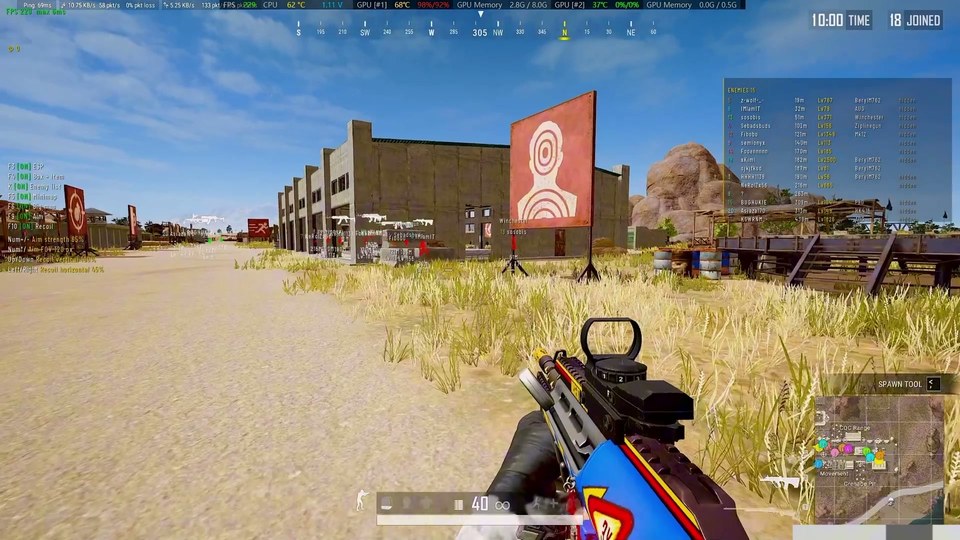
- F2 — toggle the top-left status panel
- F3 — toggle ESP
- F4 — toggle dead body loot and rare items
- K — enemy list: name, distance, level, kills, weapon
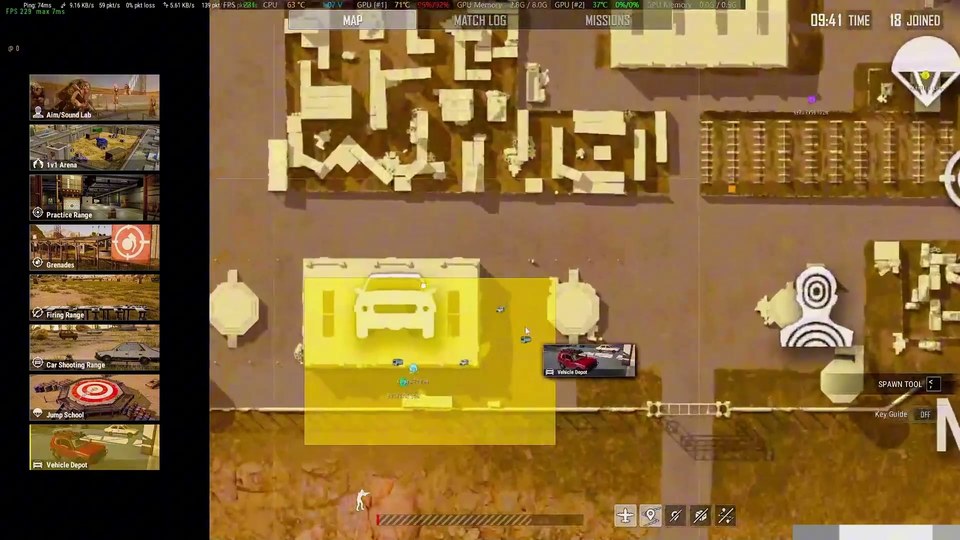
- F5 — toggle the mini map
- F6 — toggle the large map
- F8 — hide/show all overlays
Aimbot
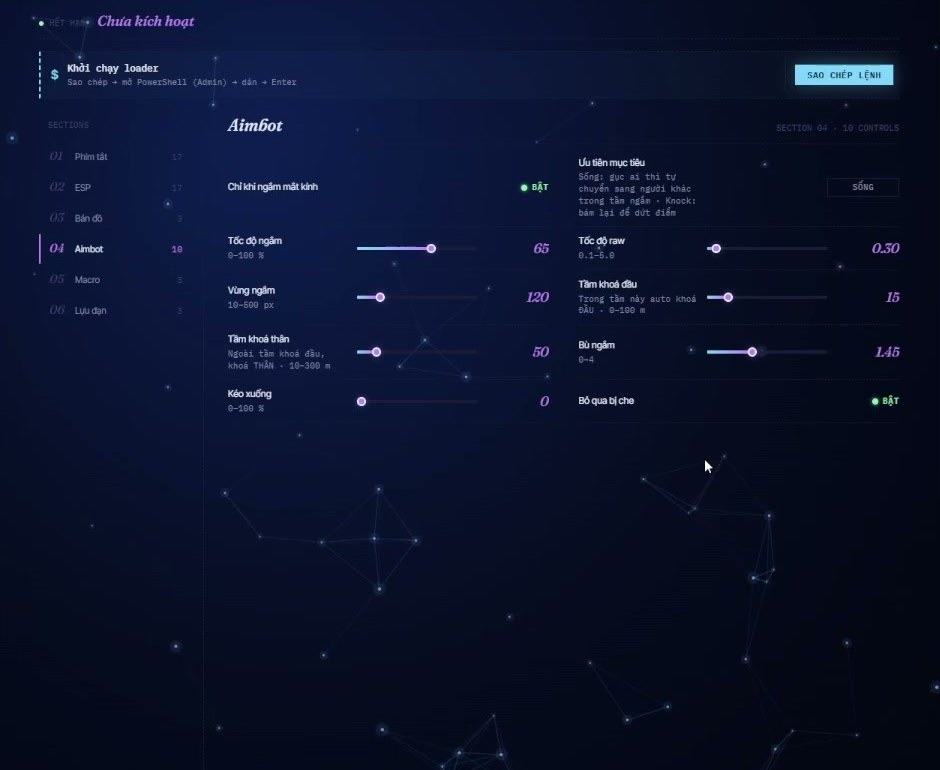
- F9 — toggle the aimbot
- hold Left Mouse Button: aim with free movement within the enemy bone area
- hold Shift: secondary aim with head lock
- Numpad + / − — increase/decrease aim intensity by 5%
- Numpad * / ÷ — increase/decrease the aim FOV circle
Recoil macro
- F10 — toggle the anti-recoil macro
- ↑ / ↓ — vertical compensation ±5%
- → / ← — horizontal compensation ±5%
Mortar
- while holding a mortar: Right Mouse Button — rotate towards an enemy
- while holding a mortar: Ctrl — rotate towards a vehicle
System requirements
| Os | Windows 10 only. JAV DOES NOT WORK on Windows 11. VT-x / SVM virtualization must be enabled in BIOS/UEFI. |
|---|---|
| Cpu | Intel and AMD |
| Virtualization | Full VT-x (Intel) / SVM (AMD) enabled in BIOS/UEFI |
| Game mode | Borderless window mode — required |
| Powershell | Activation command must be run as Administrator |
| Before launch | Disable antivirus and firewall or add exclusions for the software |
Track the match
F3 controls ESP; F4 handles dead body loot and rare items. The K list shows enemy names, distances, levels, kills and weapons. F5 and F6 switch the mini and large maps independently. F8 hides every overlay.
Adjust the controls
Holding the left mouse button allows free aim movement within an enemy bone area. Shift provides secondary head lock. Numpad +/− changes aim intensity in 5% steps, while */÷ adjusts the FOV circle. F10 controls the recoil macro; arrow keys change vertical and horizontal compensation by 5%. With a mortar equipped, right click rotates towards an enemy and Ctrl towards a vehicle.
Prepare the launch
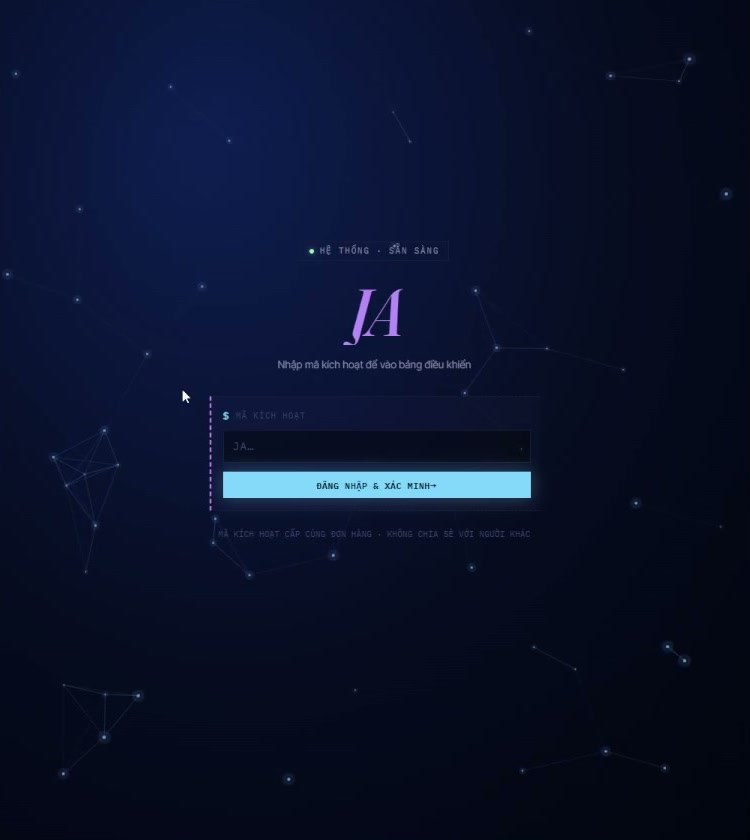
JAV does not work on Windows 11. On Windows 10, enable BIOS virtualization and select Borderless game mode. Enter your key at moguiwang.space/user/login, then copy your dashboard command into PowerShell running as Administrator. The procedure matches the other CMD builds; JAV has its own hotkeys.
Choose a duration
Keys cover 3 hours, 8 hours, 1 day, 3 days or 7 days. Review the dedicated setup guide and launch recording before purchase.
- The supported system is Windows 10. A Windows 11 machine must be switched to Windows 10 before using JAV.
- Before paying, inspect virtualization with LeoMoon CPU-V. A green result means the setting is ready; a red cross means you must not buy a key for that configuration. Home users can enable VT-x in BIOS and ask the administrator or Discord support for help.
- At an internet café, test the actual PC you plan to use. Other machines in the same café can have different virtualization settings.
- Moving to another PC requires the HWID reset button in your account. The first change each day costs nothing; every further change that day removes 6 hours from the key.
- The seller rules out refunds on paid keys whatever the reason. Check the machine and all limitations before ordering.
What to know before buying
How payment and delivery work
Checkout happens on the seller's side: for most cheats that is Digiseller, where the key appears on the order page as soon as the payment clears and is mirrored to your email. Some cheats are delivered manually — the key arrives once the seller confirms the order, and that is almost always the only reason for a delay. The licence countdown starts when the key is activated, not when you pay.
Ban risk, plainly
There is no safe cheat — only different odds of being caught in the next wave. Nobody compensates a lost game account: the key pays for access to software, not for an outcome.
Why cheats get detectedBefore the first launch
The routine is always the same: set the window mode from the requirements, start the software before entering a match, and do not switch everything on at once. The most dangerous window is the first days after a game or anti-cheat patch.
Safe launch checklistSetup guide
Prepare Windows 10, sign in with your key and run the command from the JAV dashboard.
FAQ
Does JAV support Windows 11?
Is virtualization required?
Which login address should I use?
Other cheats for PUBG
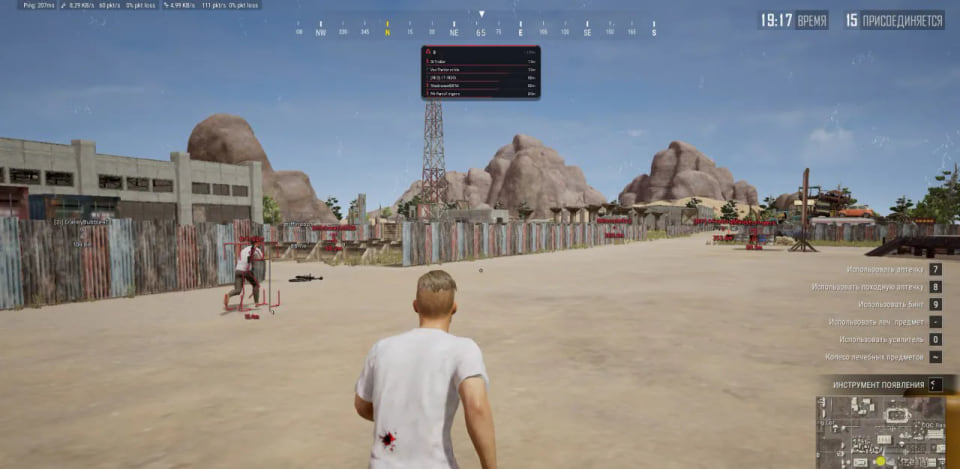
BLEAK PUBG LITE — focused Player ESP
BleakOur recommended compact BLEAK option for PUBG players who only need player information. It drops the aimbot, loot tools and radar while retaining a detailed Player ESP and three licence lengths.
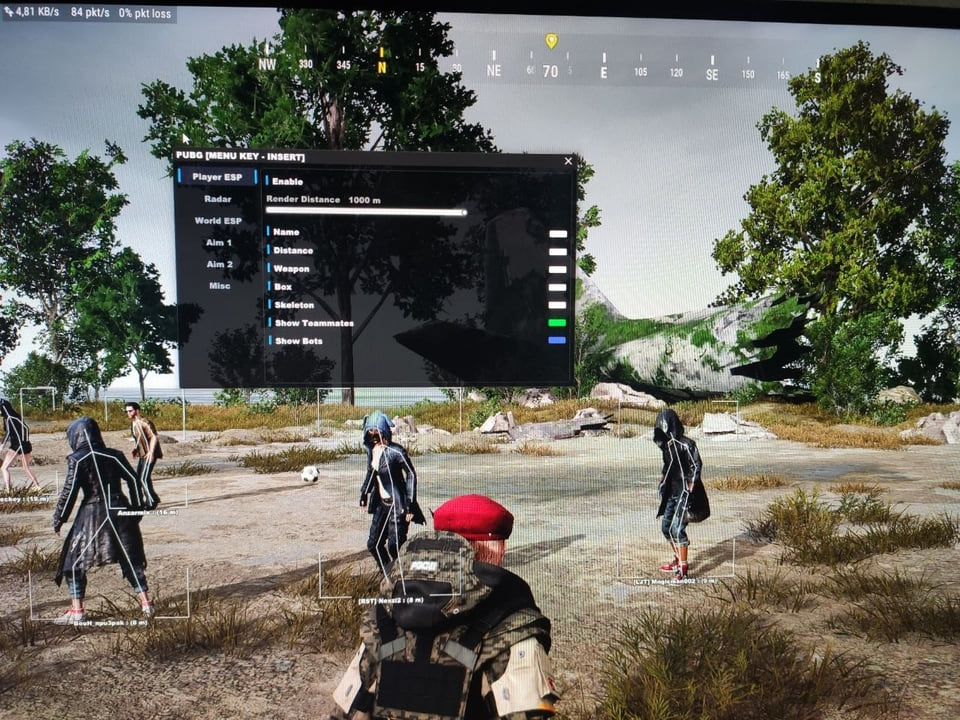
AEGIS ESP hack for PUBG
AEGISThe visual AEGIS edition for PUBG with radar.
- Player ESP with adjustable distance
- Radar with adjustable mini-map
- Vehicle and world-object ESP
A USB drive is required; no spoofer is bundled.
AEGIS Full: full cheat for PUBG
AEGISAEGIS Full combines aiming and visual PUBG modules.
- Aimbot with bone and key selection
- Player ESP with adjustable distance
- Radar with adjustable mini-map
A USB drive is required; no spoofer is bundled.
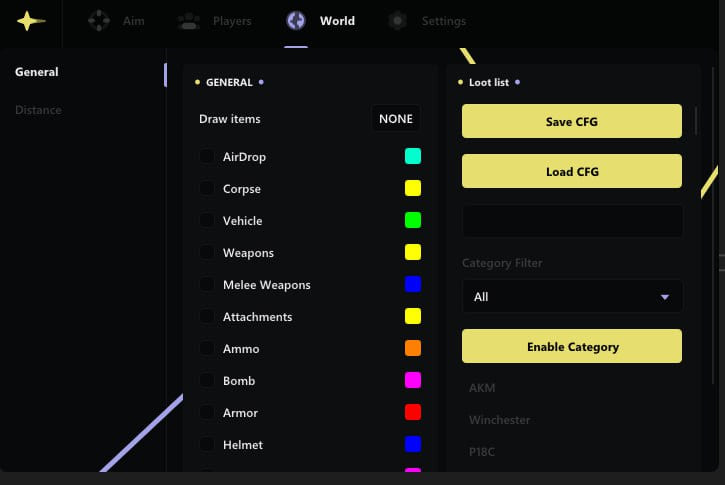
Ancient hack for PUBG
AncientThe full package for PUBG: Ancient puts combat and visual modules in one menu.