Unnamed PUBG — tune player visuals and find loot
Decide which match details belong on your screen, from an opponent’s weapon to a vehicle’s fuel and a grenade countdown.
Choose period
Unnamed
Before you buy
- Operating system
- Windows 10 / Windows 11 (21H1–26H2)
- Processor
- Intel / AMD
- Gpu / ram
- gpu: NVIDIA / AMD / Intel UHD; ram: RAM: 8 GB minimum, 16 GB recommended.
This is a summary. Check all requirements and ask the seller about unknown conditions.
If payment does not go through
A second checkout at eliteseller.ru in case the option above does not go through. Same seller; the price may differ — it is set there separately.
Payment and delivery via Digiseller. The key arrives by email right after payment.
This is a digital product: there is no physical shipping or separate shipping charge.
Screenshots
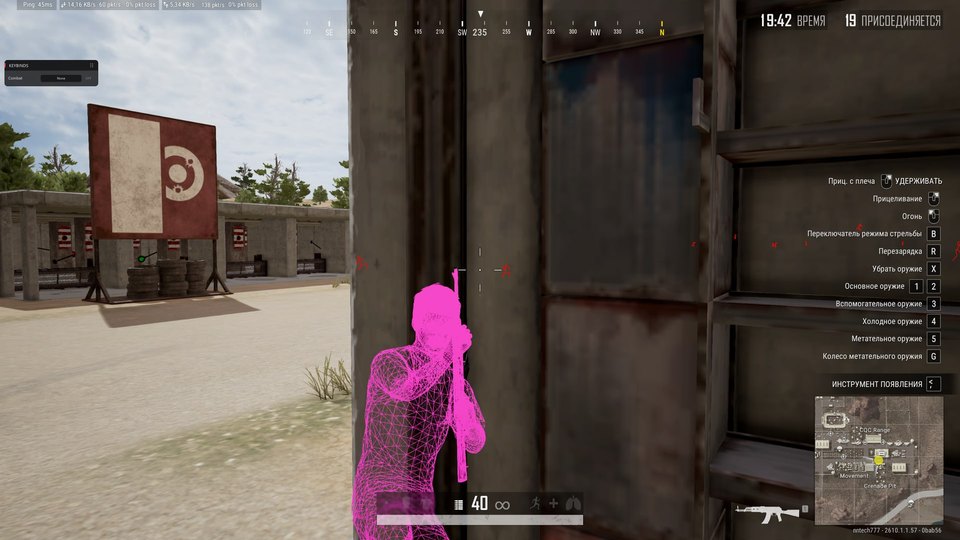
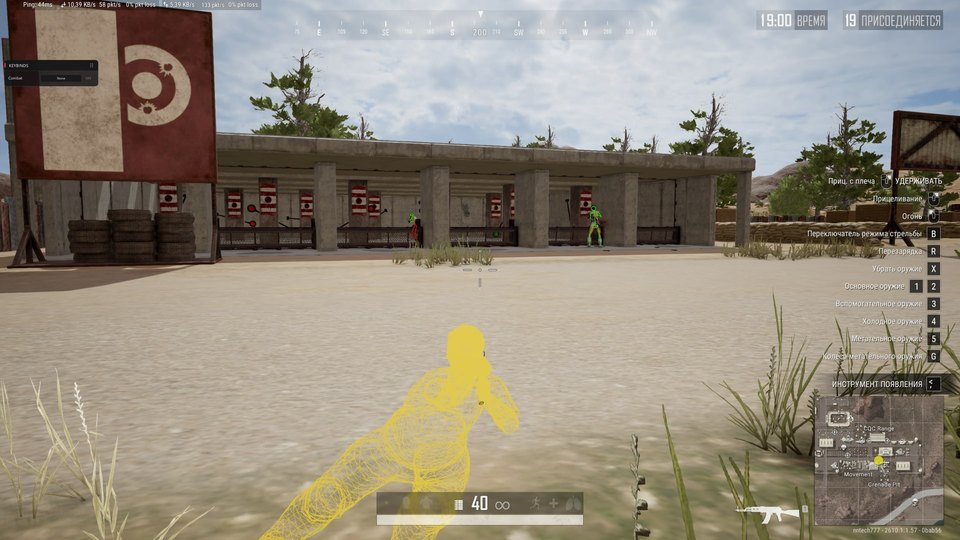
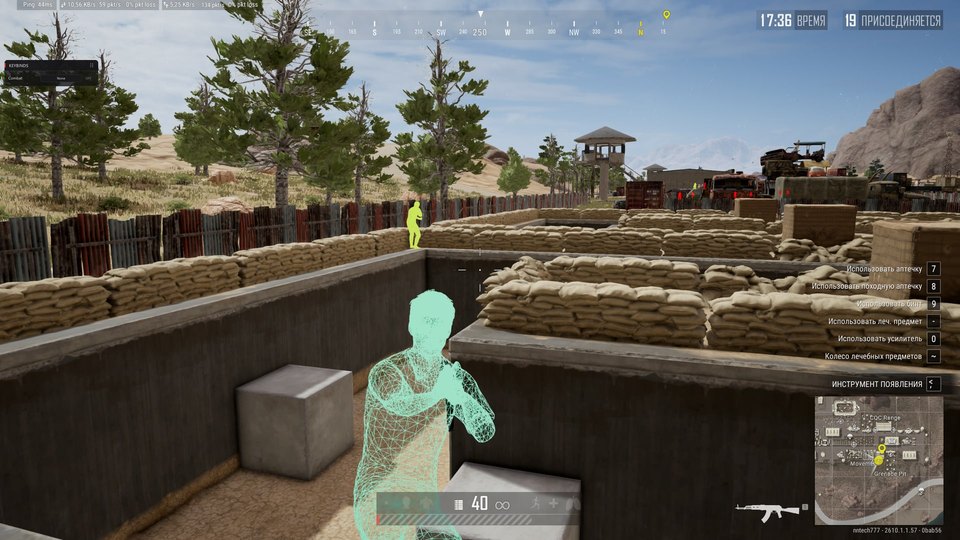
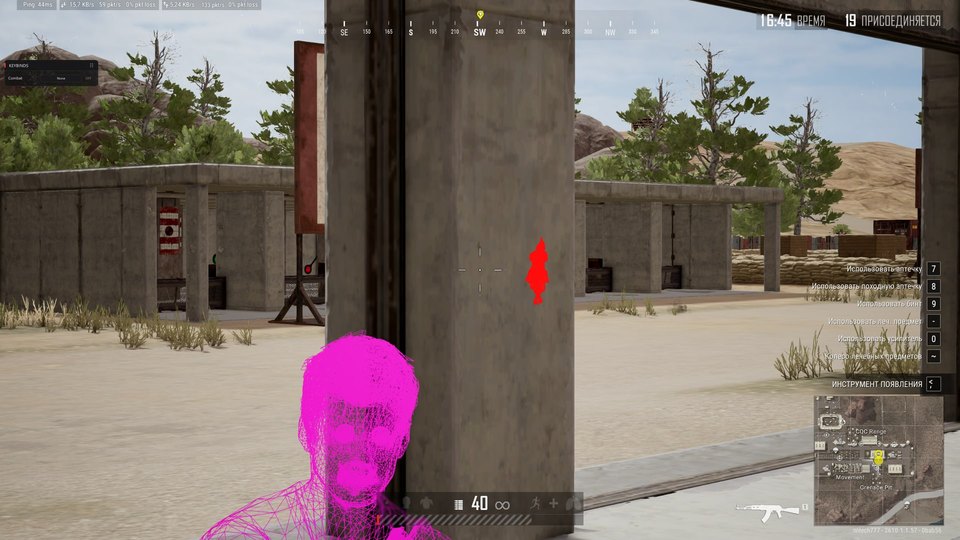
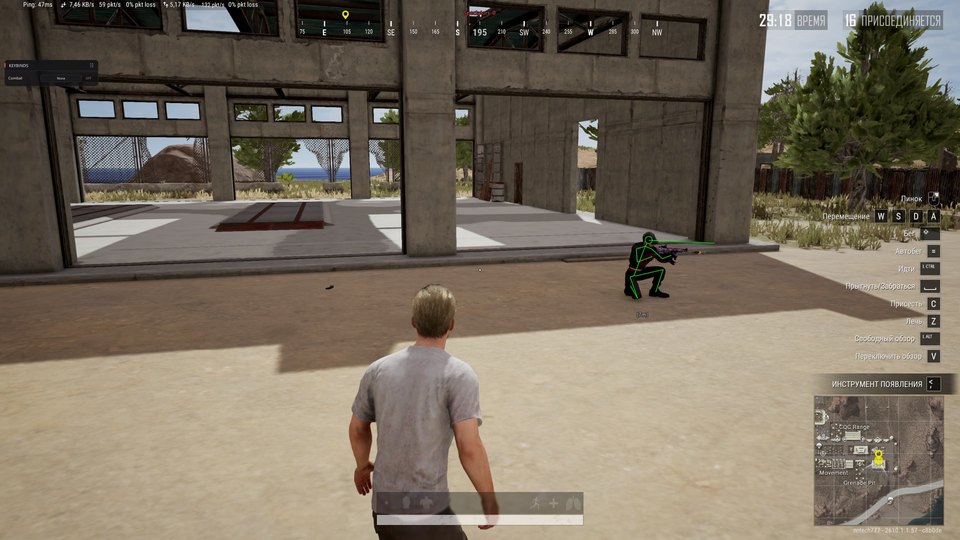
Video demo
The player needs scripts, and they are currently off: Open the video file →
Features
4ESP
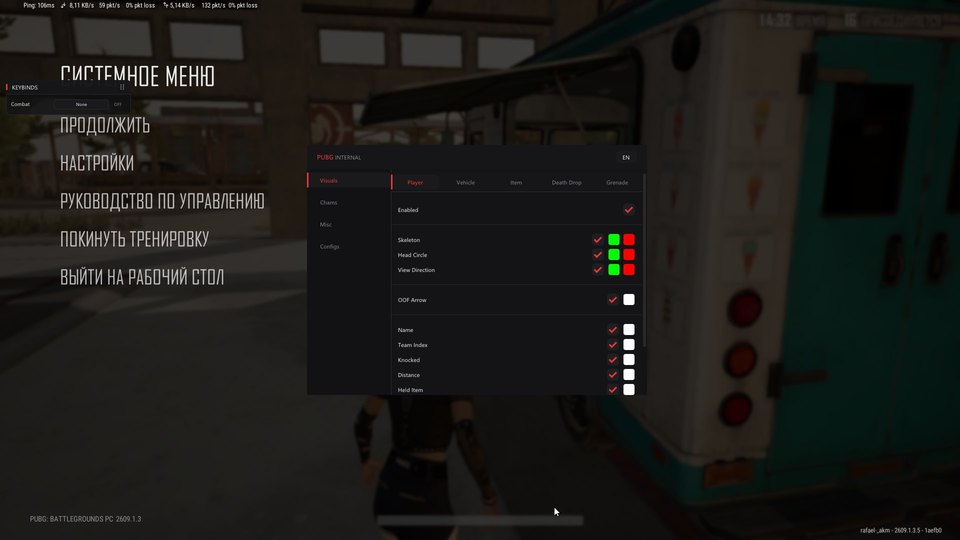
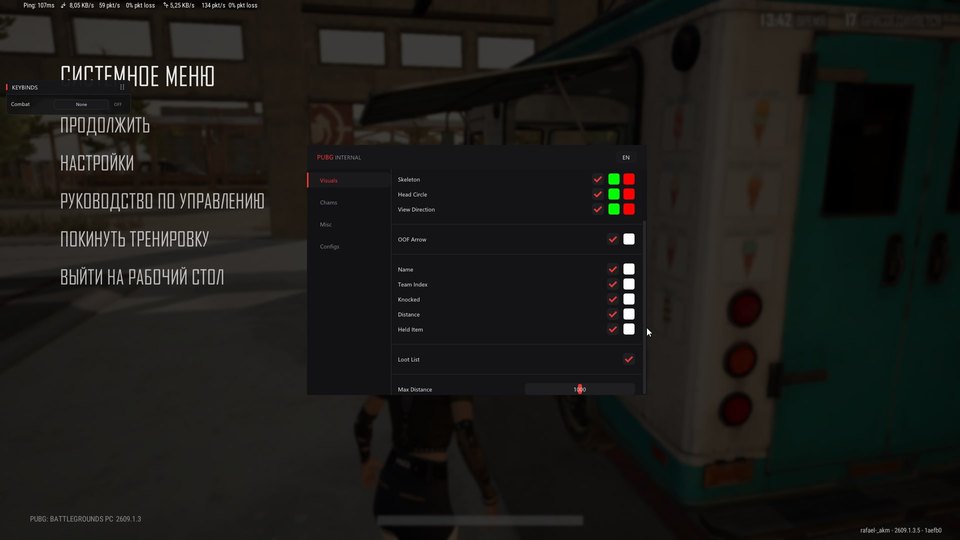
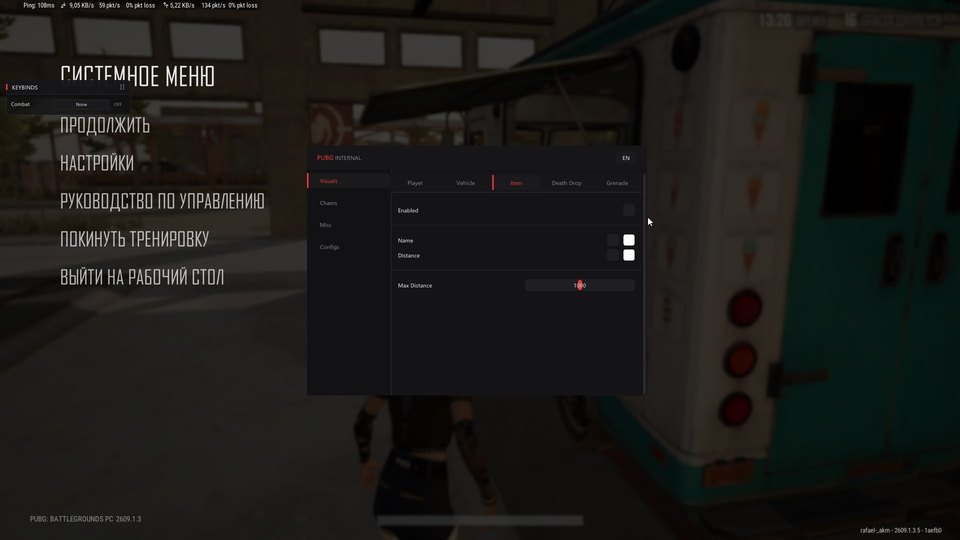
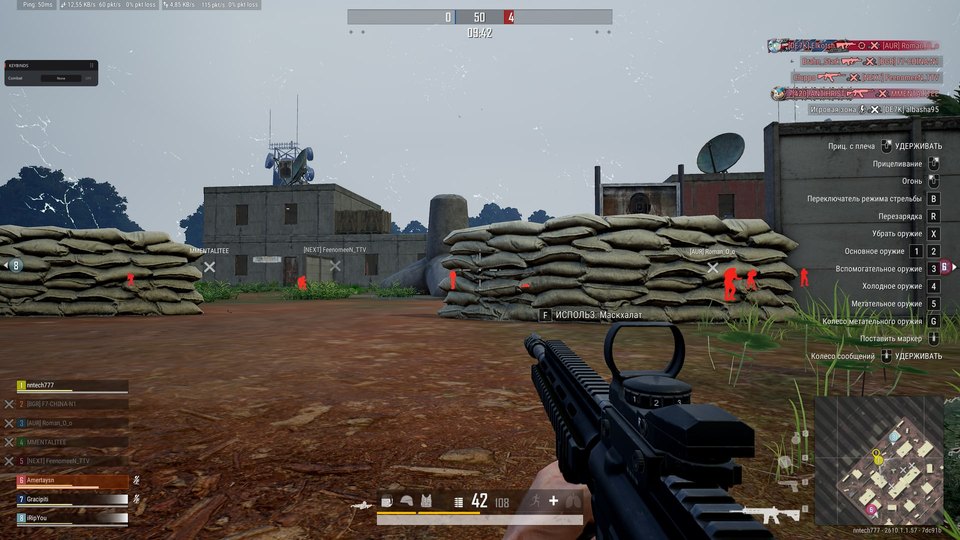
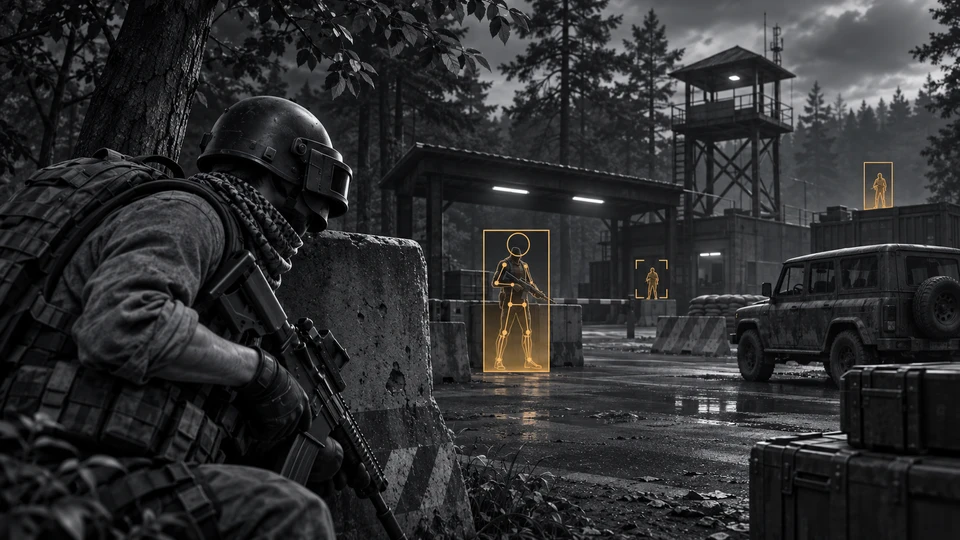
- Players: skeleton, view direction, name, team, knocked state, distance, weapon and loot.
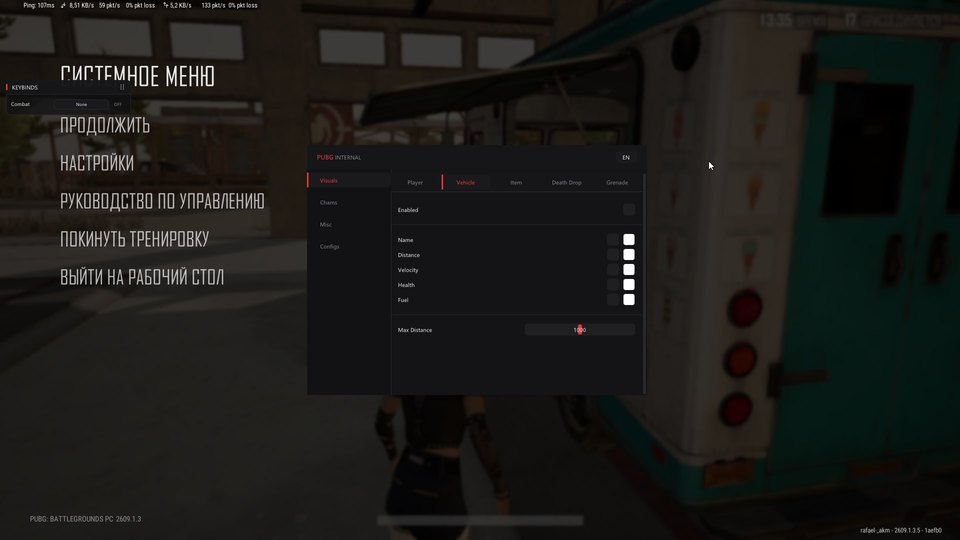
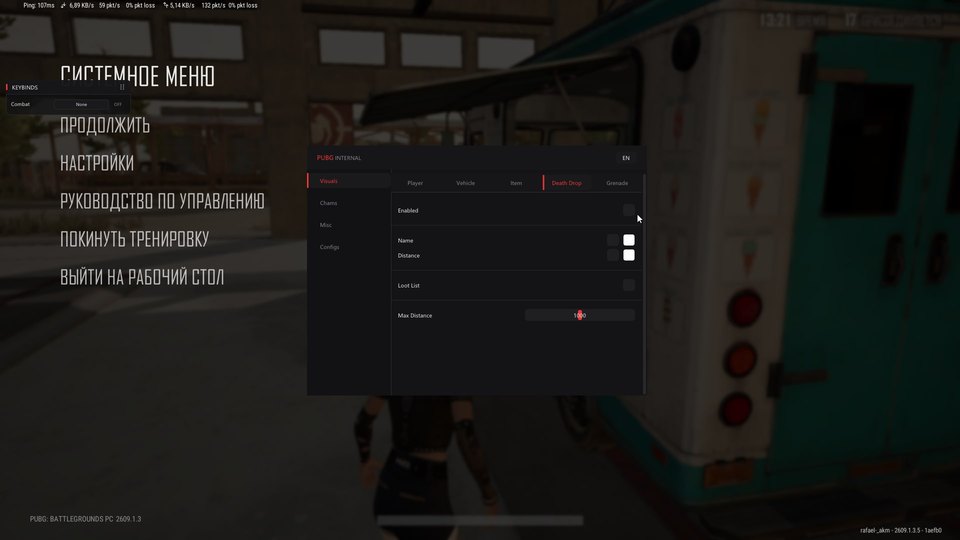
- Vehicles: velocity, health, fuel and distance. Items, death drops and grenades: labels, loot and grenade timers.
Chams
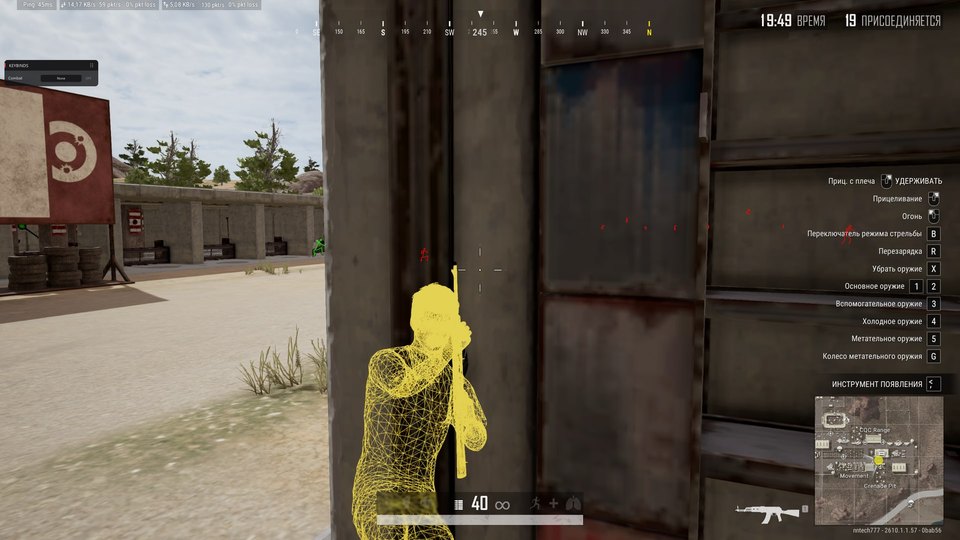
- Chams: type and color settings for players, your character and weapons.
Misc
- Extras: FOV, crosshair, spectators, font size, keybinds, Combat Mode and configurations.
Safety
Read the launch requirements and system-preparation guide before purchasing. Contact support with compatibility or activation questions.
System requirements
| Os | Windows 10 / Windows 11 (21H1–26H2) |
|---|---|
| Cpu | Intel / AMD |
| Gpu | NVIDIA / AMD / Intel UHD |
| Ram | RAM: 8 GB minimum, 16 GB recommended. |
| Launcher | Steam / Kakao |
| Display | Fullscreen, borderless and windowed modes. |
Configure each visual layer separately
The PC edition has distinct Player, Vehicle, Item, Death Drop and Grenade tabs. Player indicators cover the skeleton, head marker, view direction, name, team and knocked state. Distance, held equipment, loot lists and offscreen arrows provide extra context. Adjust the maximum range of each layer to suit your setup.
Read vehicles, pickups and grenade timers
A vehicle can show its name, speed, health and remaining fuel. Item labels include their distance, while a death-drop box can also reveal its contents. Grenade indicators add a countdown. Separate controls let you keep relevant details visible without displaying every available label.
Choose Chams colors and save a profile
Player models, your own character and weapons have independent Chams type and color settings. Visibility checks evaluate individual bones. The Misc tab includes FOV adjustment, a crosshair, spectator count, font size, keybind display and Combat Mode. Use Configs to create, save, load and remove named settings profiles.
Match the license to your PC
This is an internal product for Steam and Kakao. The developer lists Windows 10 and Windows 11 under the label 21H1–26H2, Intel/AMD processors and NVIDIA/AMD/Intel UHD graphics. Memory starts at 8 GB, with 16 GB recommended. Fullscreen, borderless and windowed display modes are supported. Payment automatically delivers one key for 24 hours, 7 days or 30 days, with instructions on the order page.
What to know before buying
How payment and delivery work
Checkout happens on the seller's side: for most cheats that is Digiseller, where the key appears on the order page as soon as the payment clears and is mirrored to your email. Some cheats are delivered manually — the key arrives once the seller confirms the order, and that is almost always the only reason for a delay. The licence countdown starts when the key is activated, not when you pay.
Ban risk, plainly
There is no safe cheat — only different odds of being caught in the next wave. Nobody compensates a lost game account: the key pays for access to software, not for an outcome.
Why cheats get detectedBefore the first launch
The routine is always the same: set the window mode from the requirements, start the software before entering a match, and do not switch everything on at once. The most dangerous window is the first days after a game or anti-cheat patch.
Safe launch checklistSetup guide
Use the internal-product instructions for PUBG and review them before your first launch.
FAQ
Does this edition list an aimbot?
Which PUBG clients are listed?
How is the key delivered?
Other cheats for PUBG
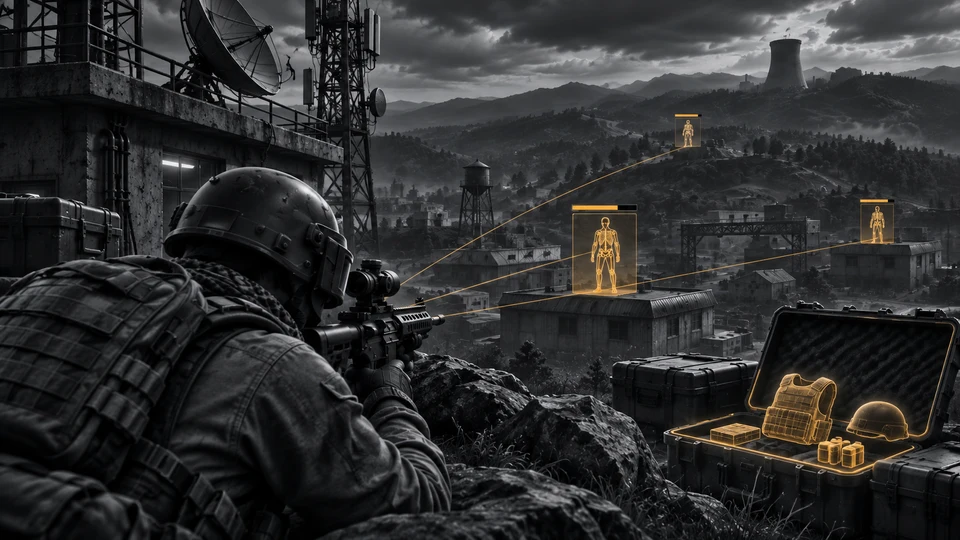
BTG hack for PUBG
BTGBTG overlays player and loot information in PUBG; the latest update brings a cleaner menu and more practical item filtering.
CMD Macro: utility for PUBG
CMDCMD Macro solves one narrow task in PUBG and does not pretend to be a full cheat. Deliberately left out: ESP, Wallhack and Loot ESP.
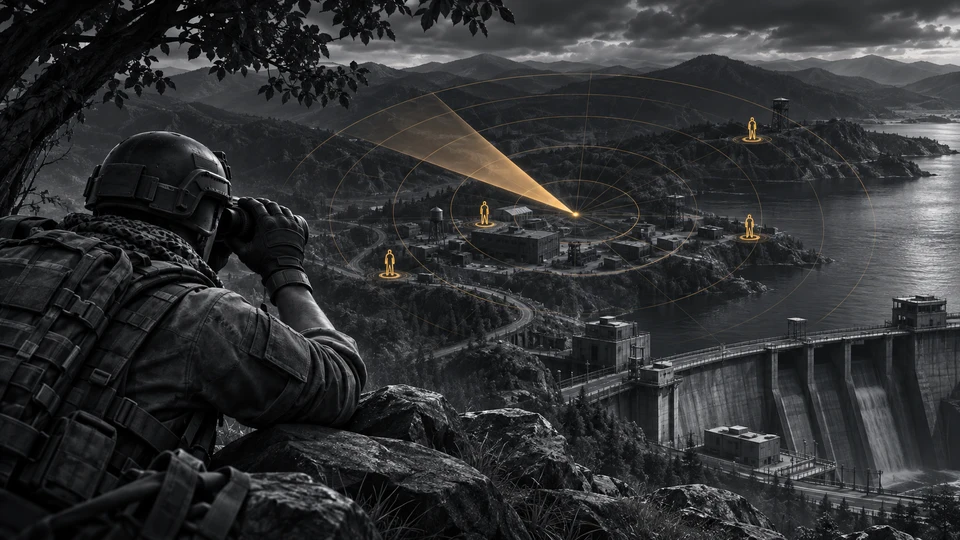
Arcane Web Radar — cheat for PUBG
ArcaneArcane Web Radar displays the PUBG map in a browser.
- Player and team information
- Vehicle health and fuel
- Item search and map routes
The requirements specify 12 GB of RAM.
Arcane ESP hack for PUBG
ArcaneArcane ESP focuses on player and world information in PUBG.
- Player 2D boxes and skeletons
- Container contents
- Selected-item filters
Laptops are not supported.