FOCUS Account Manager — Roblox accounts and sessions
Organize multiple Roblox accounts, batch window launches and session controls in a dedicated PC utility.
Choose period
FOCUS
Before you buy
- Windows 10 / Windows 11 / Operating system
- Windows 10: 22H2; Windows 11: 25H2; Operating system: Windows 10 / 11
- Processor
- AMD / Intel
This is a summary. Check all requirements and ask the seller about unknown conditions.
Payment and delivery via Digiseller. The key arrives by email right after payment.
This is a digital product: there is no physical shipping or separate shipping charge.
Screenshots


Features
9Accounts
- Use a browser, a username/password list or cookies. (Add accounts)
- Search accounts and select several to launch. (Search and selection)
- Account data stays in a local Windows-encrypted vault. (Storage)
Launch and windows
- Launch selected accounts using server parameters. (Place ID, Job ID and VIP)
- Toggle support for multiple clients. (MultiRoblox)
- Window sizing, arrangement and saved launch settings. (Window settings)
Memory and sessions
- Roblox process memory readings, manual and automatic cleanup. (Memory)
- Game status and reconnection settings. (Sessions)
- A separate manager key is required; a FOCUS Roblox key does not activate it. (Manager license)
System requirements
| Windows 10 | 22H2 |
|---|---|
| Windows 11 | 25H2 |
| Operating system | Windows 10 / 11 |
| Runtime | .NET Framework 4.7.2+ |
| Processor | AMD / Intel |
| Architecture | x64 only (64-bit) |
FOCUS Account Manager features
The manager brings account operations, launch controls and windows together. Memory and session-management tools address already running sessions.
Choose the right option
This utility manages accounts; it is not an Aimbot or an ESP product. The separate FOCUS Roblox External listing covers the external game cheat.
After payment, open the receiving link in your order. The IVSOFTE delivery page provides the selected license and instructions; reopening the link returns the same license.
What to know before buying
How payment and delivery work
Checkout happens on the seller's side: for most cheats that is Digiseller, where the key appears on the order page as soon as the payment clears and is mirrored to your email. Some cheats are delivered manually — the key arrives once the seller confirms the order, and that is almost always the only reason for a delay. The licence countdown starts when the key is activated, not when you pay.
Ban risk, plainly
There is no safe cheat — only different odds of being caught in the next wave. Nobody compensates a lost game account: the key pays for access to software, not for an outcome.
Why cheats get detectedBefore the first launch
The routine is always the same: set the window mode from the requirements, start the software before entering a match, and do not switch everything on at once. The most dangerous window is the first days after a game or anti-cheat patch.
Safe launch checklistFAQ
What should I know about FOCUS Account Manager — Roblox accounts and sessions?
Where is the FOCUS account-manager license delivered?
Other cheats for Roblox
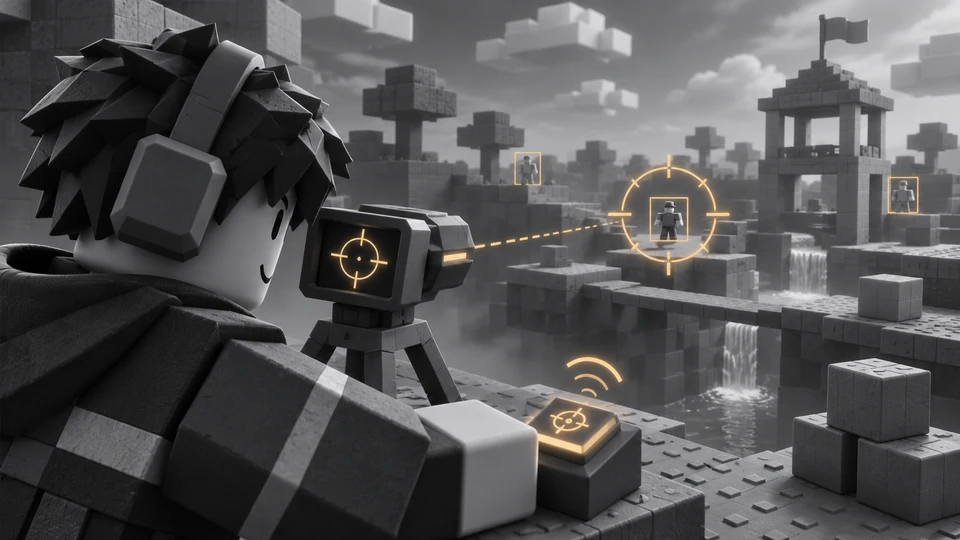
FOCUS Roblox External — Aimbot, ESP and camera
FOCUSConfigure aiming, visual markers, camera and character controls through the FOCUS Roblox external client for PC.
NEXONIX hack for Roblox
NEXONIXA visuals-only cheat for Roblox: NEXONIX tells you what is around, the shooting stays manual. A lifetime licence is on the list.
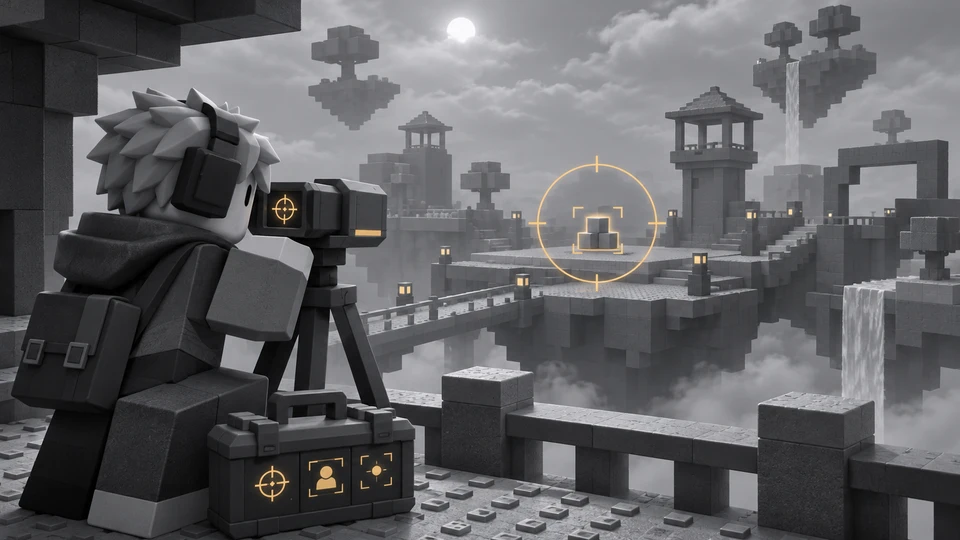
SN External hack for Roblox
SNSN External covers both sides of Roblox — aim modules and on-screen data — across 44 menu entries. A lifetime licence is on the list.