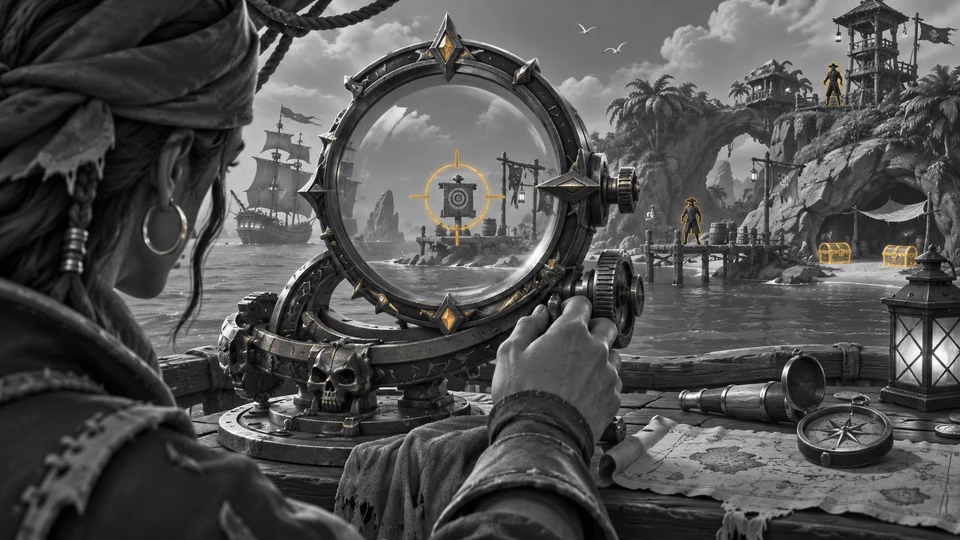
FOCUS Sea of Thieves — pirate and ship ESP | PC
Distinguish pirates and ships using separate ESP categories in Sea of Thieves on Windows.
- Platform Sea of Thieves
- Developer FOCUS
Choose period
FOCUS
Before you buy
- Windows 10 / Windows 11
- Windows 10: 22H2; Windows 11: 25H2
- Processor
- AMD / Intel
- Platform
- Xbox client on Windows (PC)
This is a summary. Check all requirements and ask the seller about unknown conditions.
If payment does not go through
A second checkout at eliteseller.ru in case the option above does not go through. Same seller; the price may differ — it is set there separately.
Payment and delivery via Digiseller. The key arrives by email right after payment.
This is a digital product: there is no physical shipping or separate shipping charge.
Screenshots


Features
15ESP · Players
- Master switch for pirate / player wallhack. (ESP)
- 2D box around players. (Boxes)
- Player names. (Names)
- Distance in meters. (Distance)
- Line toward each player. Off by default. (Snaplines)
ESP · Ships
- Enable ship ESP. Rowboats are not included. (Ships)
- Distance to the ship. (Distance)
Colors · ESP
- Player box / ESP color. (Players)
- Ship ESP color. (Ships)
Menu settings
- Default: Home. (Menu key)
- 60% to 120%. Default 100%. (Menu scale)
- Reset menu settings. (Reset menu settings)
- Focus blue / Violet / Cyan / Mint / Rose / Amber. (Preset)
- Custom menu accent. (Accent color)
Configuration profiles
- Save / load / delete. (Named configs)
System requirements
| Windows 10 | 22H2 |
|---|---|
| Windows 11 | 25H2 |
| Processor | AMD / Intel |
| Architecture | x64 only (64-bit) |
| Platform | Xbox client on Windows (PC) |
FOCUS Sea of Thieves features
Player controls include boxes, names, distance and lines. Ships have a separate category and distance display, with independent player and vessel colors. Rowboats are not included in ship ESP.
Choose the right option
The supported platform is the Xbox client on Windows PC. This license is not for an Xbox console. The documented feature set here consists of ESP and display settings.
After payment, open the receiving link in your order. The IVSOFTE delivery page provides the selected license and instructions; reopening the link returns the same license.
What to know before buying
How payment and delivery work
Checkout happens on the seller's side: for most cheats that is Digiseller, where the key appears on the order page as soon as the payment clears and is mirrored to your email. Some cheats are delivered manually — the key arrives once the seller confirms the order, and that is almost always the only reason for a delay. The licence countdown starts when the key is activated, not when you pay.
Ban risk, plainly
There is no safe cheat — only different odds of being caught in the next wave. Nobody compensates a lost game account: the key pays for access to software, not for an outcome.
Why cheats get detectedBefore the first launch
The routine is always the same: set the window mode from the requirements, start the software before entering a match, and do not switch everything on at once. The most dangerous window is the first days after a game or anti-cheat patch.
Safe launch checklist