Arcane hack for The Midnight Walkers
The full package for The Midnight Walkers: Arcane puts combat and visual modules in one menu.
- Platform The Midnight Walkers
- Developer Arcane
Choose period
Arcane
If payment does not go through
A second checkout at eliteseller.ru in case the option above does not go through. Same seller; the price may differ — it is set there separately.
Payment and delivery via Digiseller. The key arrives by email right after payment.
This is a digital product: there is no physical shipping or separate shipping charge.
Screenshots
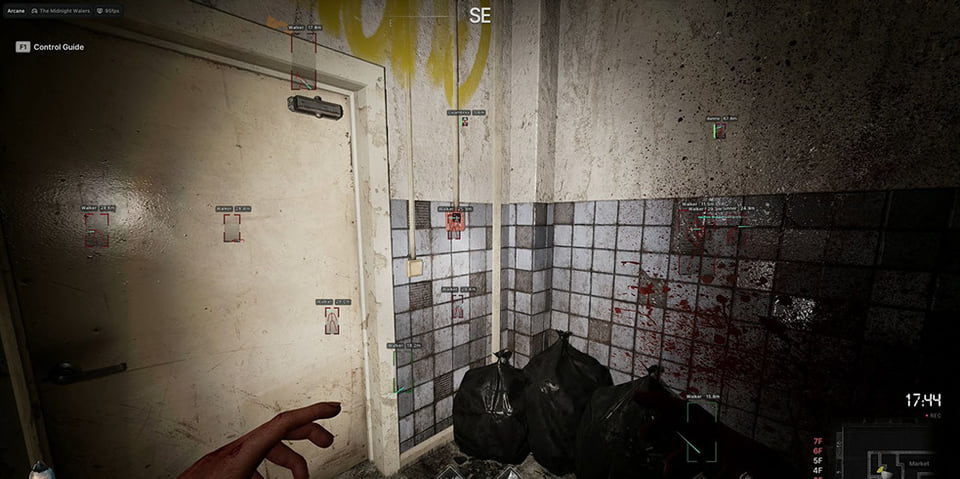
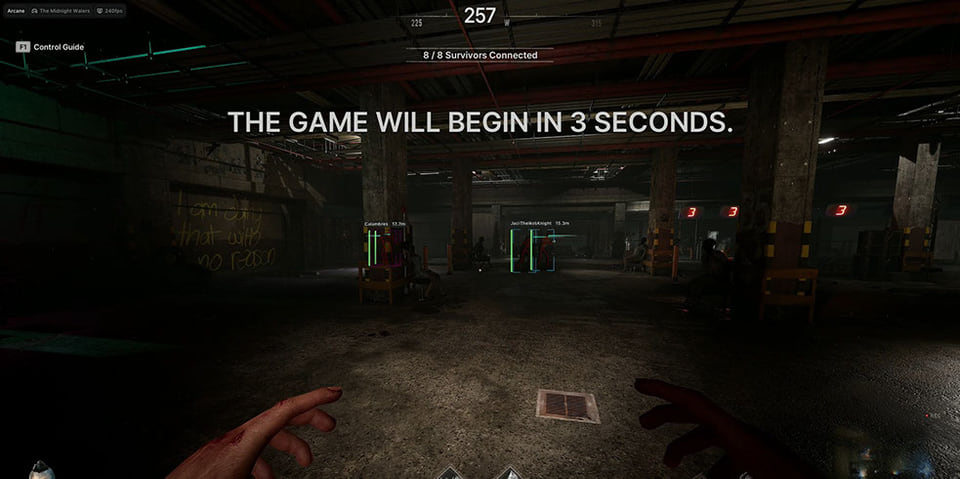
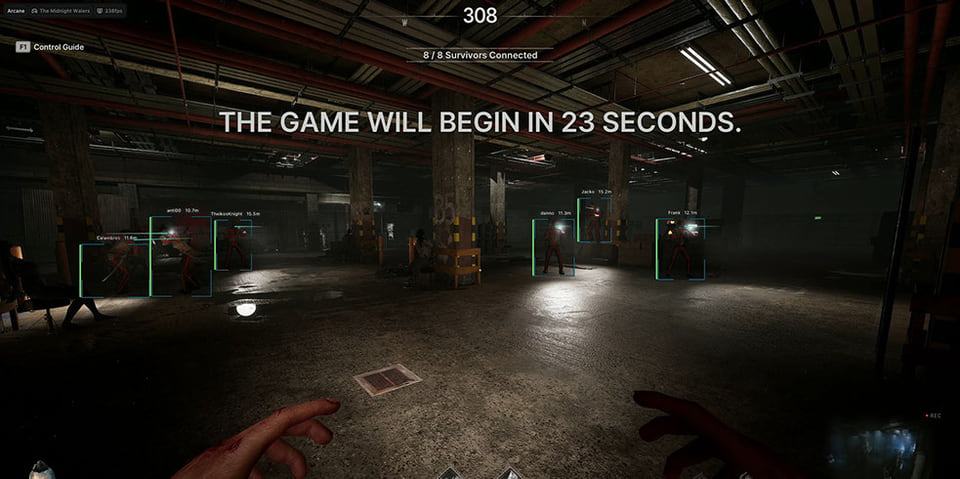
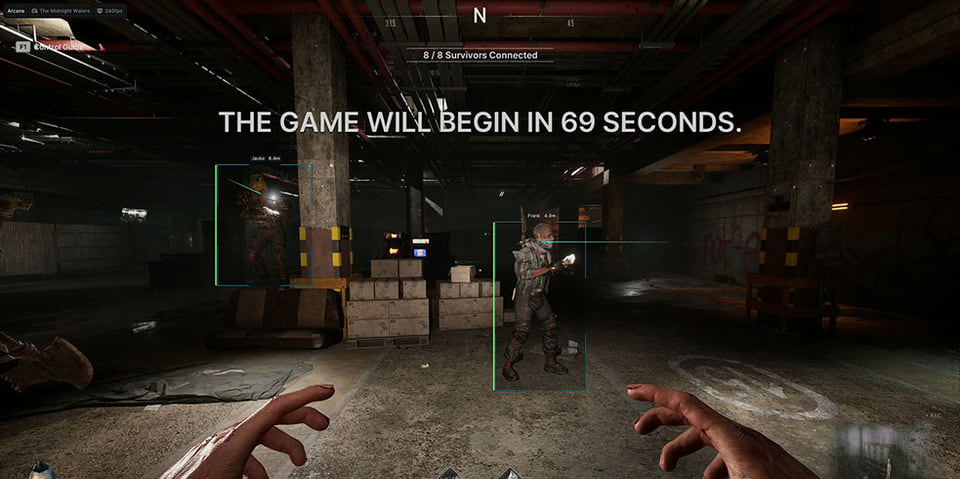
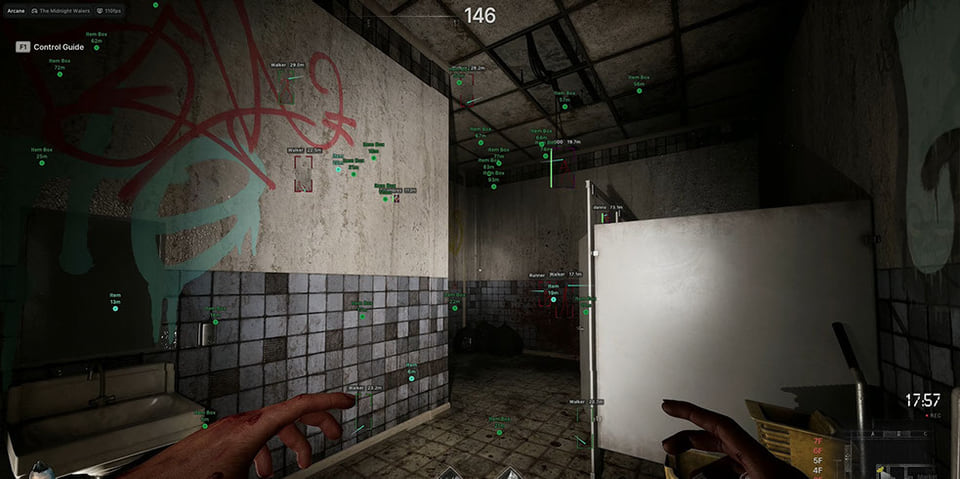
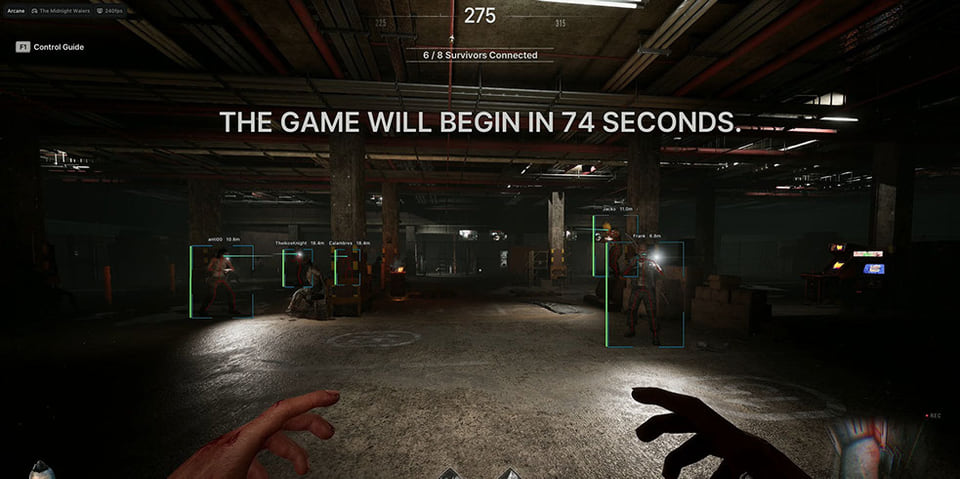
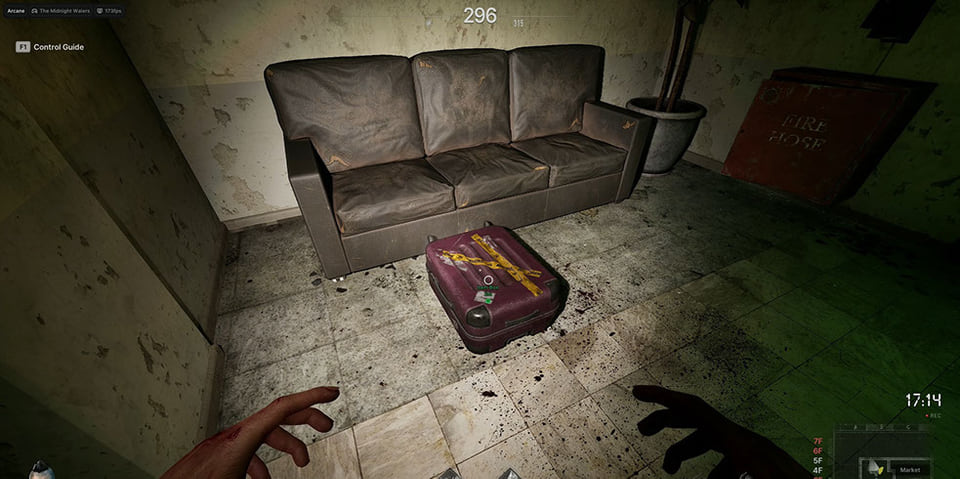
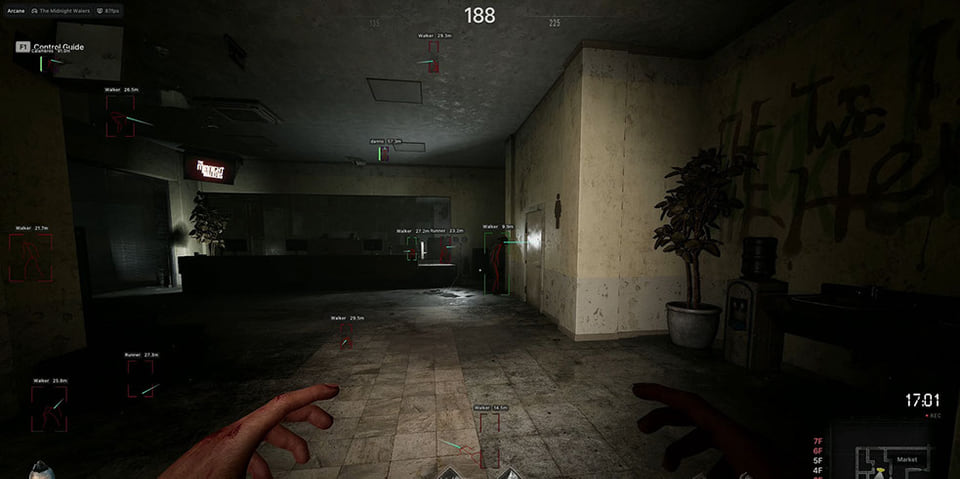
Features
43Aimbot
- Keybind — activation key
- Target — target selection: Players / Monsters
- Aim Mode — Always / Hold
- Bone — Head / Neck / Body / Pelvis
- Adaptive FOV — dynamic aiming radius
- Visibility Check — targeting only visible targets
- Draw FOV Border / Background — displaying the aiming area
- FOV Size — setting the circle size
- Smoothness — aiming smoothness
- Max Distance — distance limitation
Players ESP
- Bounding Box — 2D boxes (full / corner)
- Fill Box — box background (static / gradient)
- View Line — player look direction
- Line to Enemy — lines to opponents
- Health Bar — health bar (dynamic / gradient)
- Skeleton — skeleton display
- Name — nickname, Distance — distance
- Health Text — numeric health
- Visibility Check, Max Distance
Monster ESP
- Bounding Box — 2D boxes
- Fill Box — background (static / gradient)
- View Line — look direction
- Line to Enemy — lines to monsters
- Skeleton — skeleton display
- Name — name, Distance — distance
- Visibility Check, Max Distance
Items ESP
- Show Items — display items on map
- Show Lootable Containers — loot containers
- Distance — distance to item
- Max Distance — range limitation
Battle Mode
- Keybind — enable combat mode
- Hide Players — hide players
- Hide Monsters — hide monsters
- Hide Items — hide items
- Hide Containers — hide containers
Settings
- Menu Keybind — open menu
- Unload Keybind — unload cheat
- DPI Scale — interface scale
- FPS Limit — FPS limitation
- Theme — dark / light theme
- Watermark — watermark display
- Language — EN / RU / CN
- Config System — create, load, rename, delete configs
Safety
Run the first session with a minimal set of modules and in the required window mode.
The required window mode is Windowed / Borderless; set it before entering a match.
System requirements
| Game version | Steam |
|---|---|
| Game mode | Windowed / Borderless |
| Cpu | Intel / AMD |
| Video card | Nvidia / AMD |
| Ram | from 12 GB |
| Os | Windows 10 / 11 x64 |
| Windows builds | from 1903 to current |
| Important | laptops are not supported |
Arcane is a full cheat for The Midnight Walkers. It comes from Arcane. 43 entries in 6 groups are declared, and the table above lists them verbatim. Menu sections: Aimbot, Players ESP, Monster ESP, Items ESP, Battle Mode and Settings.
What it needs to run
The developer states the following: OS: Windows 10 / 11 x64; window mode: Windowed / Borderless; CPU: Intel / AMD; GPU: Nvidia / AMD; RAM: from 12 GB; game version: Steam. Also stated: laptops are not supported.
What it actually does
What the menu boils down to: a custom crosshair and view settings, markers for items, containers and stashes, opponents drawn on top of the map geometry and aim assistance that pulls the crosshair onto a target. Settings live in config profiles.
Access periods
You can take it for 1 day, 7 days or 30 days.
What to know before buying
How payment and delivery work
Checkout happens on the seller's side: for most cheats that is Digiseller, where the key appears on the order page as soon as the payment clears and is mirrored to your email. Some cheats are delivered manually — the key arrives once the seller confirms the order, and that is almost always the only reason for a delay. The licence countdown starts when the key is activated, not when you pay.
Ban risk, plainly
There is no safe cheat — only different odds of being caught in the next wave. Nobody compensates a lost game account: the key pays for access to software, not for an outcome.
Why cheats get detectedBefore the first launch
The routine is always the same: set the window mode from the requirements, start the software before entering a match, and do not switch everything on at once. The most dangerous window is the first days after a game or anti-cheat patch.
Safe launch checklist