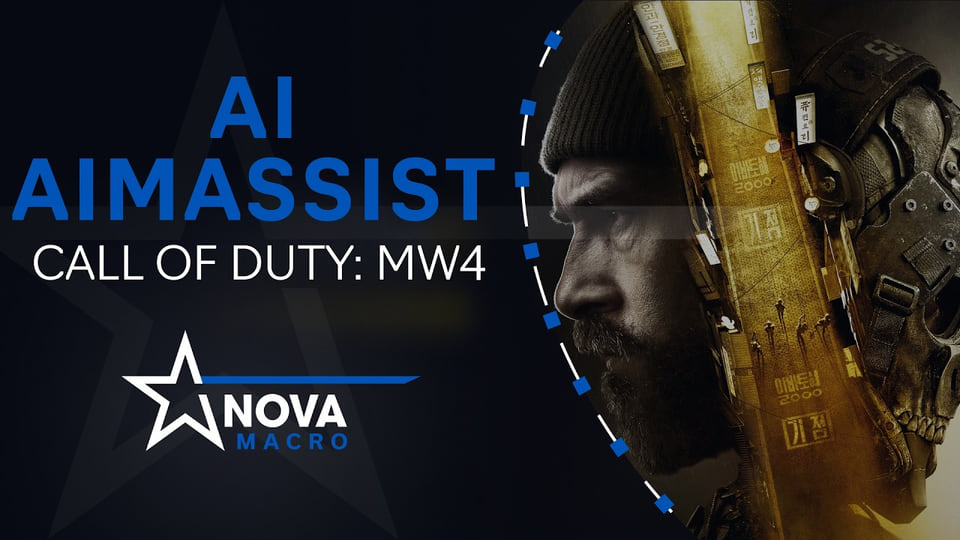
NovaMacro AI Aim Assist for Call of Duty: Modern Warfare 4
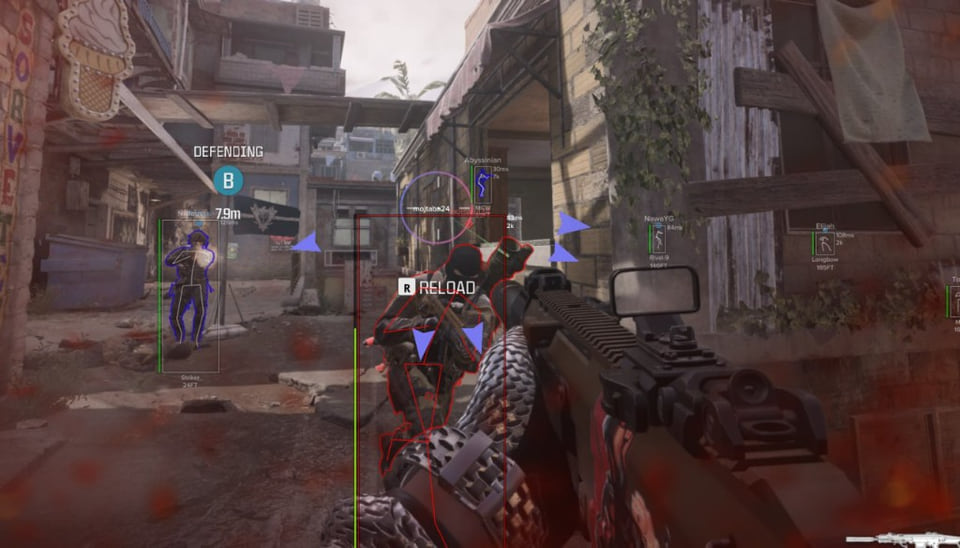
An external aim assistant for CoD MW4 that recognises targets in the displayed image and moves the mouse without injecting into the game process.
- Platform Call of Duty: Modern Warfare 4
- Developer NovaMacro
Choose period
NovaMacro
- 1 day (CIS) 177 ₽ Buy
- 7 days (CIS) 414 ₽ Buy
- 14 days (CIS) 711 ₽ Buy
- 30 days (CIS) 1185 ₽ Buy
- 60 days (CIS) 1779 ₽ Buy
- 90 days (CIS) 2372 ₽ Buy
- 180 days (CIS) 3559 ₽ Buy
- 365 days (CIS) 5932 ₽ Buy
- Lifetime (CIS) 25632 ₽ Buy
- 1 day (Global) 3$ Buy
- 7 days (Global) 8$ Buy
- 14 days (Global) 14$ Buy
- 30 days (Global) 25$ Buy
- 60 days (Global) 40$ Buy
- 90 days (Global) 55$ Buy
- 180 days (Global) 95$ Buy
- 365 days (Global) 135$ Buy
- Lifetime (Global) 190$ Buy
Payment and delivery via Digiseller. The key arrives by email right after payment.
This is a digital product: there is no physical shipping or separate shipping charge.
Screenshots
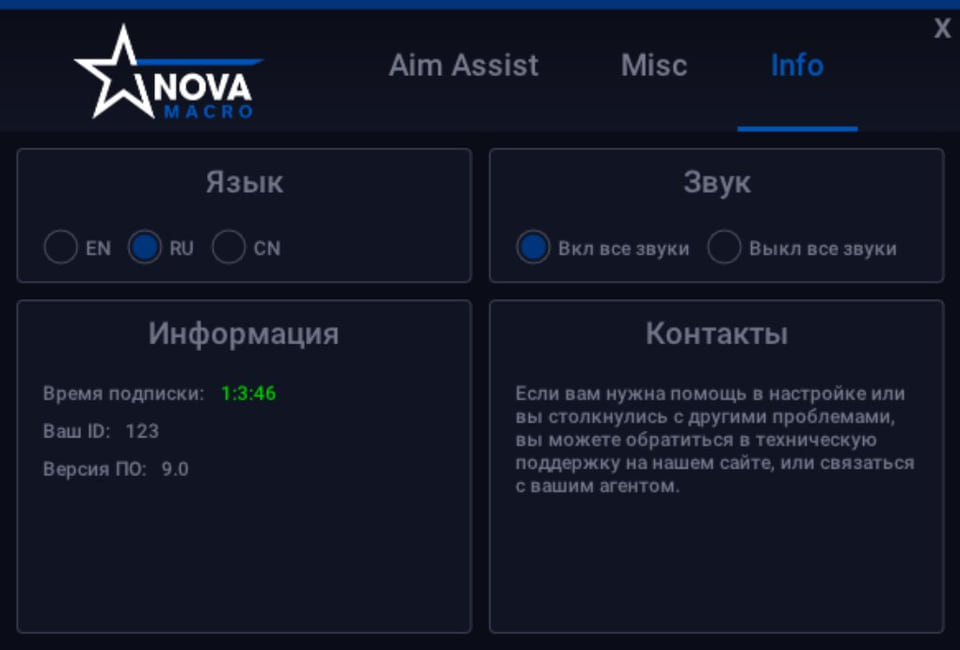
Video demo
The player needs scripts, and they are currently off: Watch onYouTube →
Features
12AI Aim Assist
- Fully external screen analysis and mouse macros
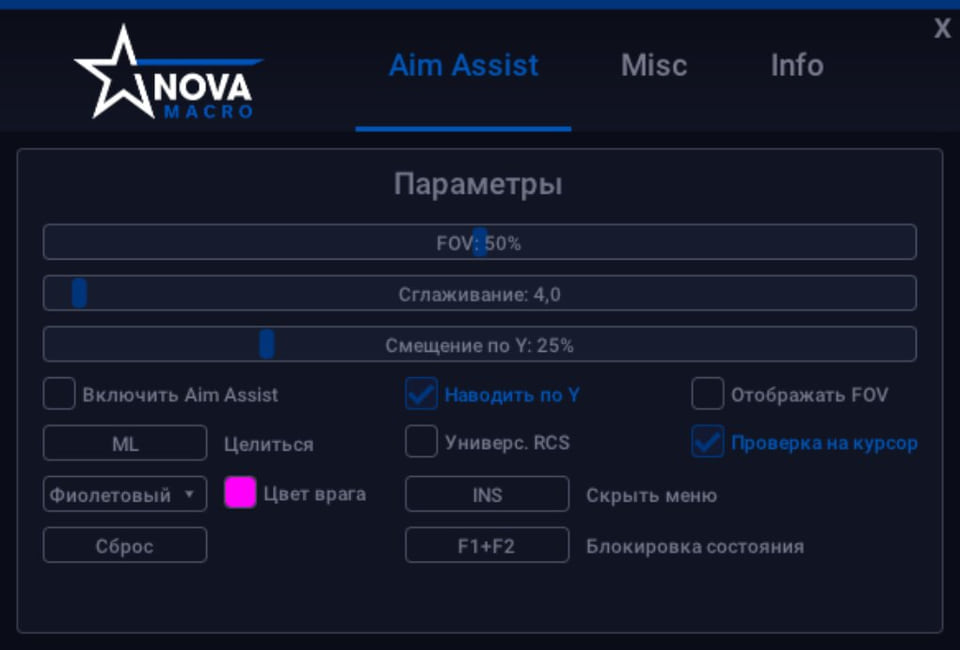
- Visible and adjustable FOV
- Vertical target point control with the Y coordinate
- Adjustable aiming smoothness
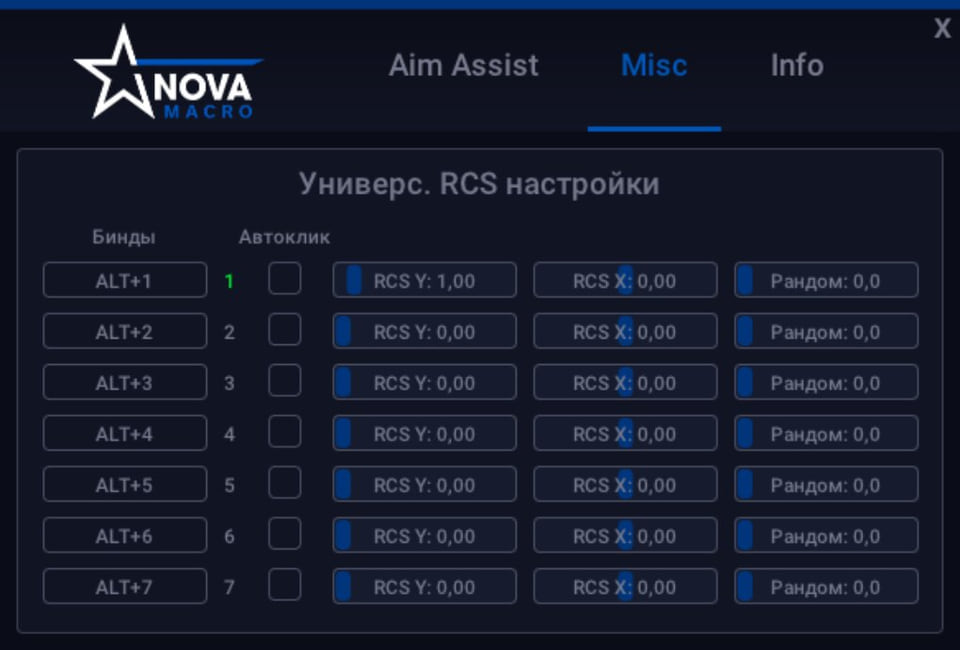
- Custom activation keybinds and sound alerts
- GFN and other cloud-gaming services
- Any screen resolution
Compatibility and updates
- Intel and AMD CPUs; NVIDIA and AMD GPUs
- Russian, English and Chinese interfaces
- Menu hiding and sound muting for screen recording
- Automatic delivery of the current version on launch
- No game-process injection or game-file modification
Safety
The recording mode hides the menu and mutes sounds, but it is not a guarantee that third-party software is invisible to an anti-cheat or an external camera.
Check the licence region and current product status before paying. Third-party software may violate the game rules and can lead to an account restriction.
System requirements
| Game client | Any (Warzone is not supported) |
|---|---|
| Os | Windows 10 (version 2004 and above) |
| Mice | Any |
| Keyboards | Any |
| Cpu | Intel or AMD |
| Gpu | NVIDIA or AMD |
| Game window mode | Fullscreen, borderless windowed, windowed |
| Resolution | Any |
| Languages | Russian, English, Chinese |
| Stream recording bypass | Yes (menu hiding and sound muting) |
NovaMacro works from the image shown by Call of Duty: Modern Warfare 4. Instead of reading game memory, it analyses the visible interface and sends movement through a mouse macro. It is an aim assistant rather than a full cheat: ESP, radar and weapon modifications are not listed.
Aiming controls
The menu lets you set the FOV area, move the vertical target point with the Y coordinate and adjust the Smooth value. You can bind your own activation key, while sound alerts make the assistant state easier to follow without keeping the menu open.
Compatibility
The stated requirements are Windows 10 version 2004 or newer, Intel or AMD processors, NVIDIA or AMD graphics, any mouse, keyboard and screen resolution. Fullscreen, windowed and borderless modes are listed alongside GFN and other cloud-gaming services. The interface is available in Russian, English and Chinese.
Check before checkout
This product is intended for Modern Warfare 4 multiplayer. Warzone and modes with the game interface disabled are not supported. The payment page offers separate CIS and Global plans for 1, 7, 14, 30, 60, 90, 180 and 365 days, plus lifetime access.
What to know before buying
How payment and delivery work
Checkout happens on the seller's side: for most cheats that is Digiseller, where the key appears on the order page as soon as the payment clears and is mirrored to your email. Some cheats are delivered manually — the key arrives once the seller confirms the order, and that is almost always the only reason for a delay. The licence countdown starts when the key is activated, not when you pay.
Ban risk, plainly
There is no safe cheat — only different odds of being caught in the next wave. Nobody compensates a lost game account: the key pays for access to software, not for an outcome.
Why cheats get detectedBefore the first launch
The routine is always the same: set the window mode from the requirements, start the software before entering a match, and do not switch everything on at once. The most dangerous window is the first days after a game or anti-cheat patch.
Safe launch checklist