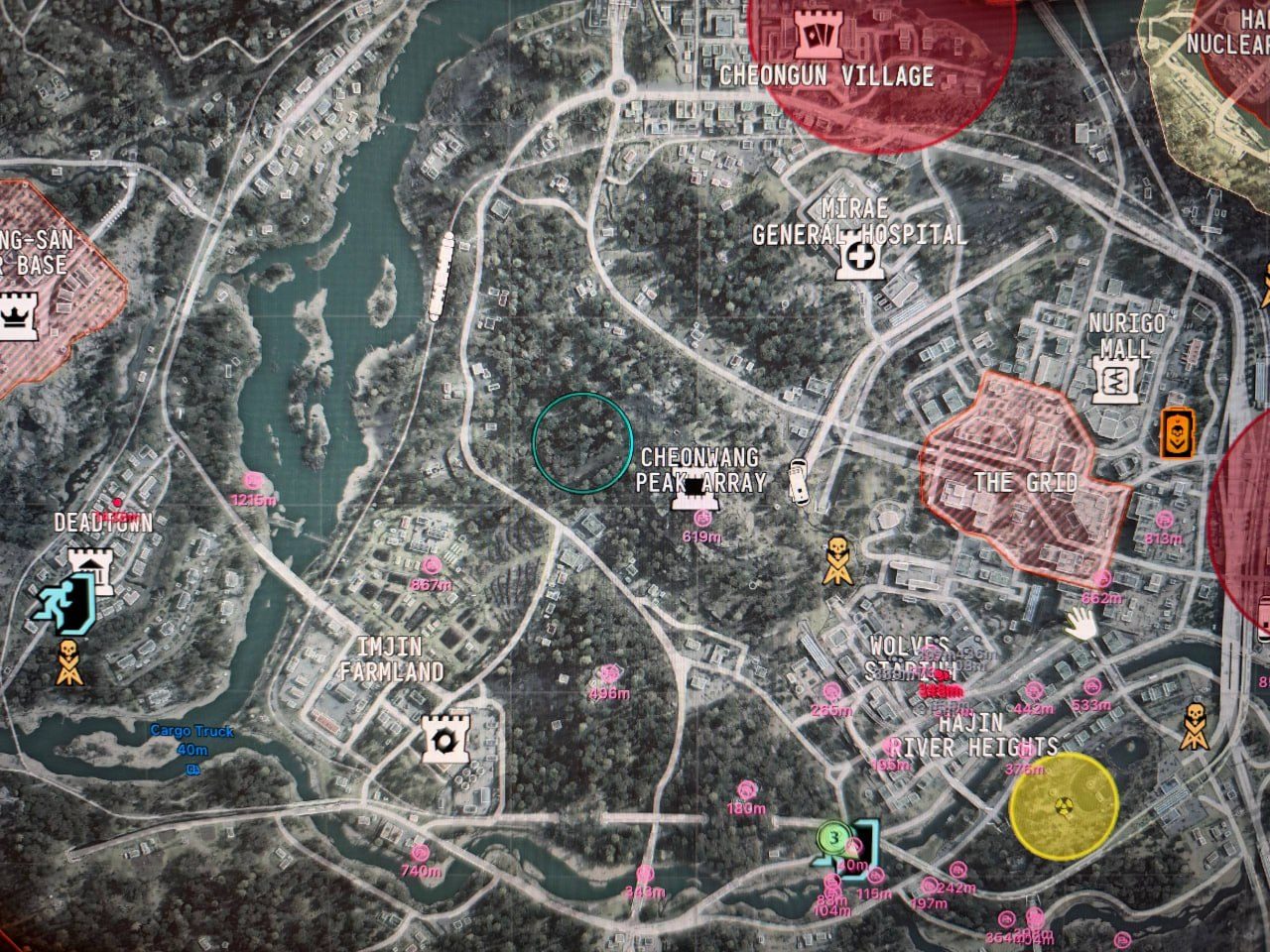
Arcane’s latest radar changes add a choice of map overlays and objective markers. The supplied developer announcement lists 🟢 UNDETECTED. Support for the new native-map markers and Quest points is specified for MW4 and DMZ.
Pick a radar view
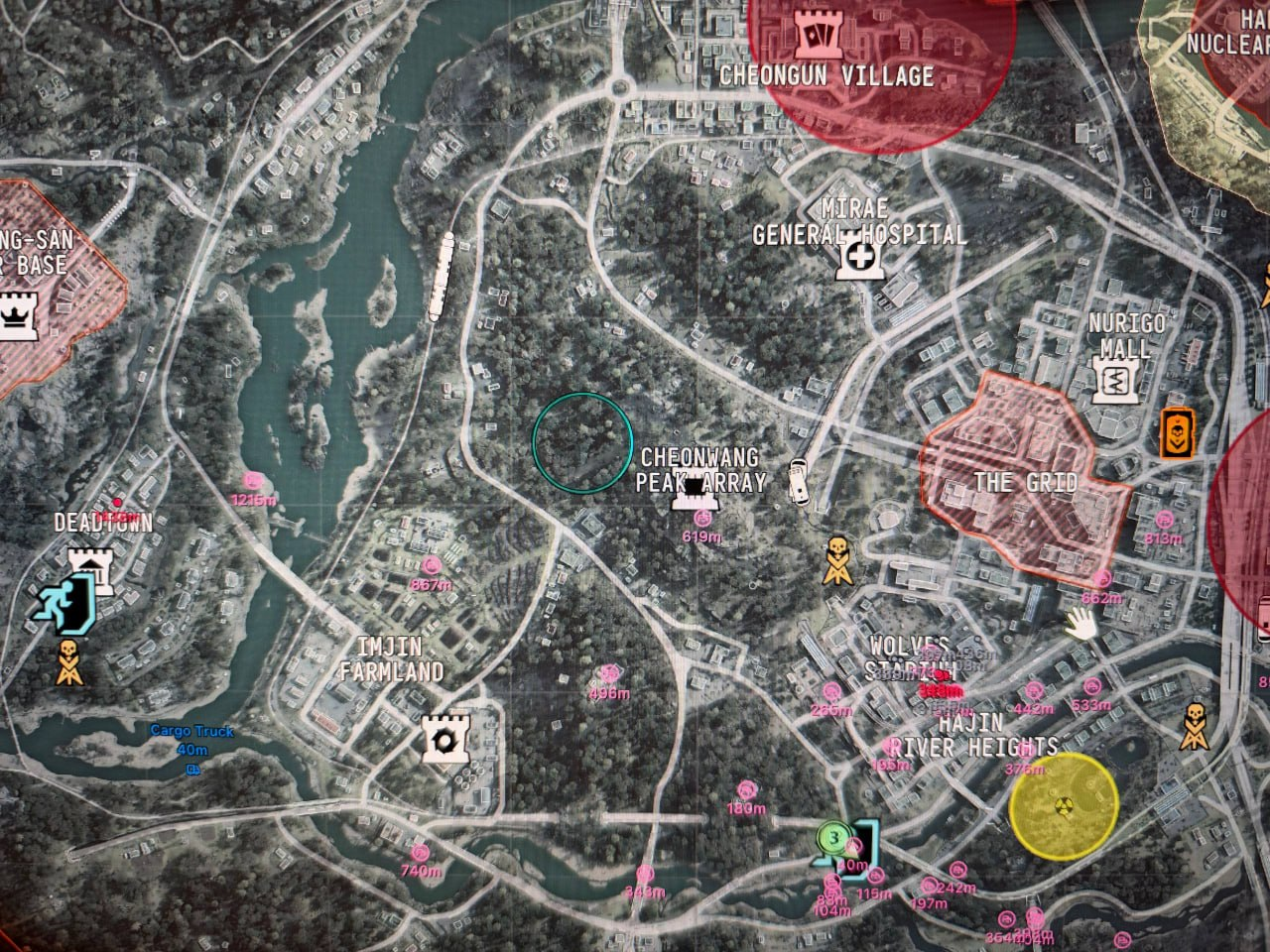
The Radar tab now has Custom and InGame sections. Custom controls the separate radar; InGame puts markers on the game’s own maps.
InGame supports enemies, teammates, bots, knocked players and vehicles. The corner minimap and the open tactical map each have their own switch. You can adjust marker size, set the maximum distance and choose whether to display distance labels.
Reading the Custom radar
A darker background sits behind distance rings labelled in meters. Compass ticks run around the outside, and the default marker colors have changed.
- A dot represents an enemy or bot.
- A ring with a cross represents a knocked player.
- A ring with a car icon represents a vehicle.
Pin players beyond the edge keeps players outside the selected range at the edge of the radar. An arrow points toward their position.
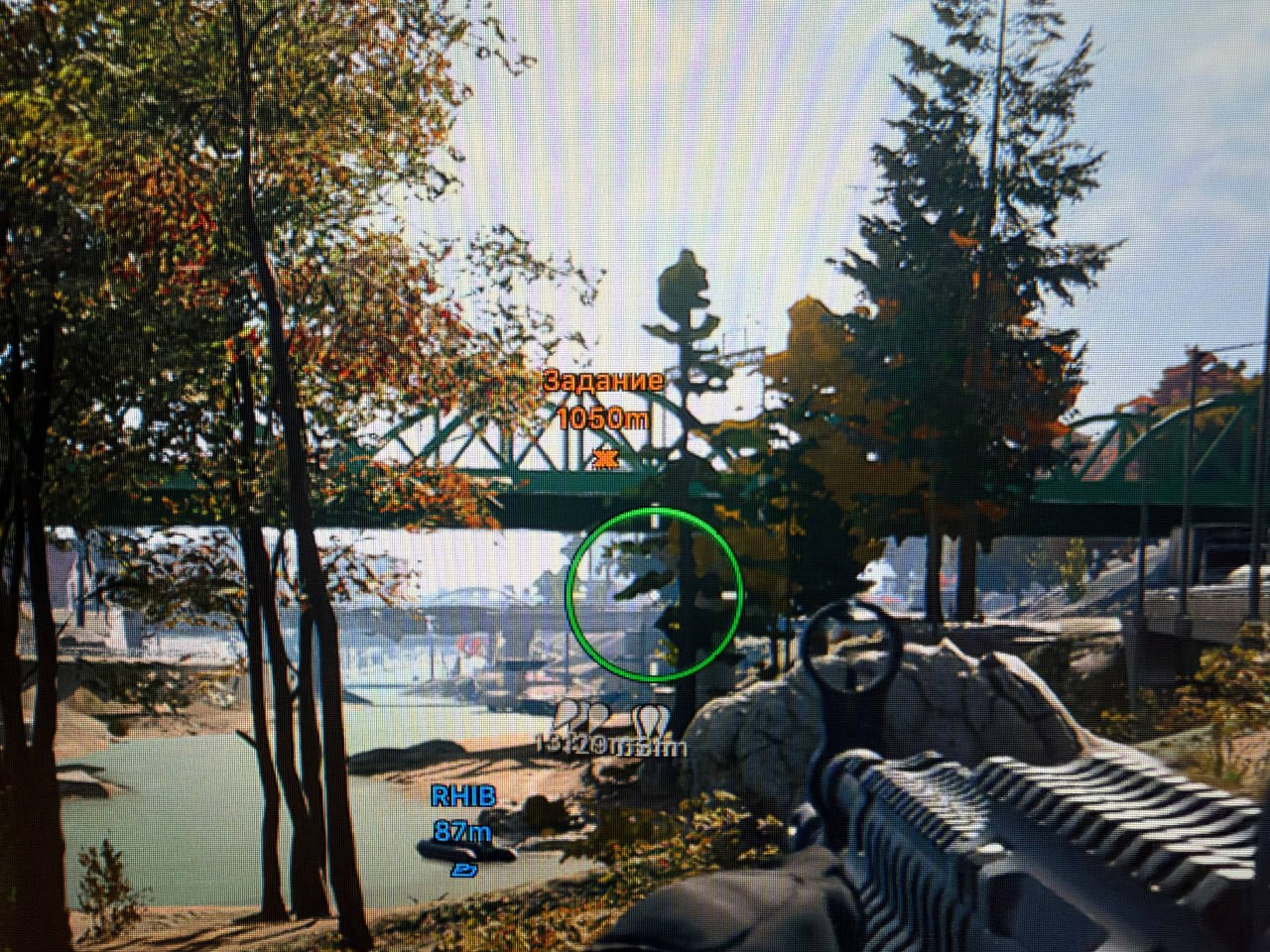
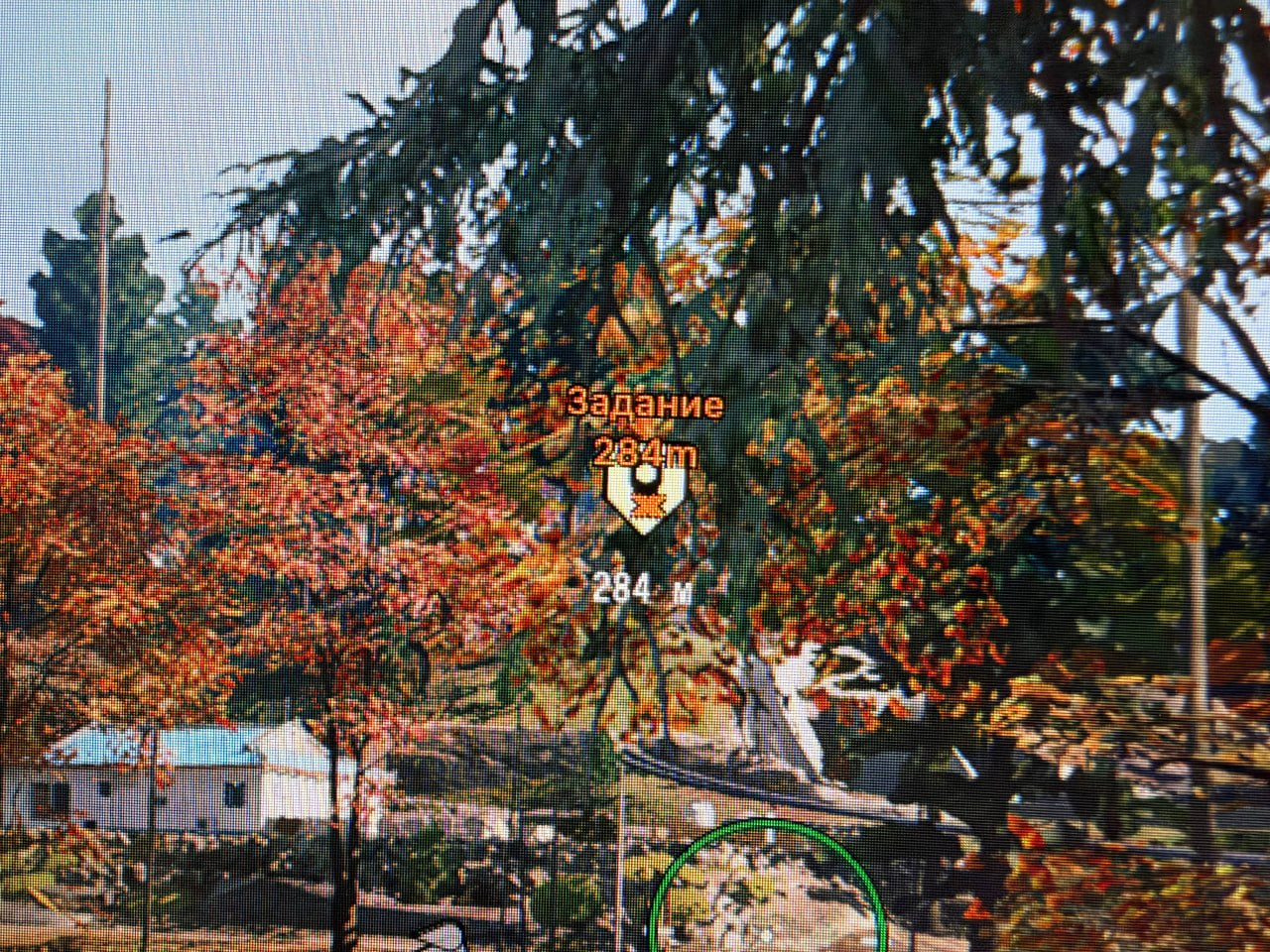
Quest points follows active tasks
The new Quest points setting displays the objectives the game places on the HUD: missions, contracts and individual steps. Markers support a custom color and show the distance to the objective.
As tasks are accepted and completed, their markers appear and disappear automatically.
See Arcane MW4 and Arcane COD for requirements and the remaining features.