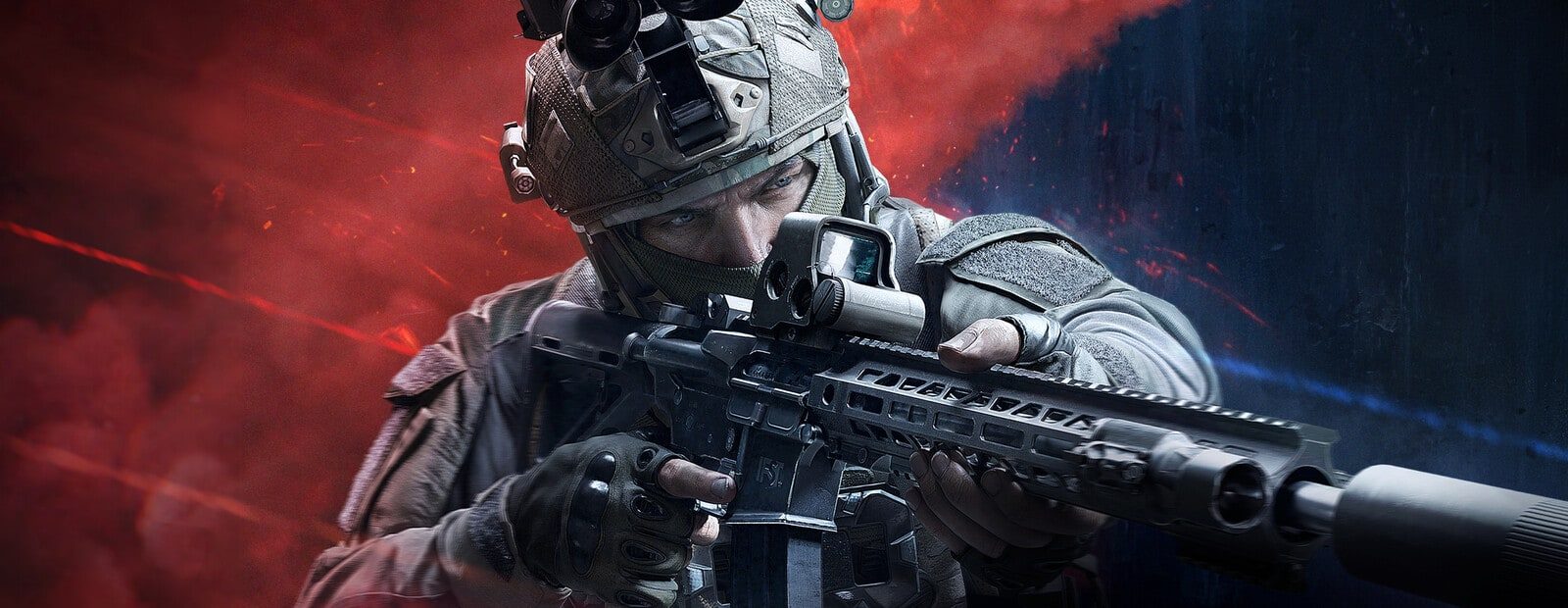
What arrives with Season 7
Morefun Studios has announced Season 7: Utopia for Arena Breakout Infinite. The update adds two zombie modes. Infected Zone is a PvPvE mode available on Farm, Valley, and Airport, while Zombie Endless is a PvE mode on Airport. Infected Zone includes six zombie types, two difficulty levels, and an in-raid merchant system. Points earned there can be spent on the out-of-raid Zombie Research progression line.
The regular game is receiving substantial changes as well. Season 7 brings the A545 and AK-15SC, plus four seasonal weapon attachments. The announced balance work includes longer effective weapon range, stronger headshot effectiveness, ammo and gear caps for Normal and Lockdown, removal of T5/T6 armor penetration RNG, and a flashlight nerf. Players will also get new dog-tag inspection animations, damage data for the last 30 seconds, and raid-highlight sharing.
What this means for software
This is a major game update rather than a cosmetic drop. New modes, weapons, items, and combat-system changes can require software developers to revise their builds once the Season 7 client is live. A build that worked before the patch should not be treated as current until its developer posts a compatibility or update status.
On release day, do not load an older build of TikTok ABI or Dullwave unless the relevant product page or developer update explicitly confirms support for Season 7. The same rule applies to every Arena Breakout Infinite product. A feature count does not confirm that a loader or its functions match the latest game build.
The zombie modes do not, by themselves, prove an anti-cheat change. The official announcement contains no anti-cheat update, ban-wave notice, detection report, or ban count. There is no basis to claim any of those events from this source. Still, loading unconfirmed software after a large client patch creates a separate problem: it may be outdated or incompatible.
Release-day plan
- Before September 16, check your key duration and the developer channel where product-status posts are made.
- Once the game patch is installed, keep the loader closed until the product has a clear updated or working status.
- If the product is marked as updating, wait for the next build. Reinstalling the game, verifying files, or changing random settings does not replace a software update.
- When compatibility is confirmed, use the safe launch checklist before starting the game. It does not remove ban risk, but it can prevent avoidable setup mistakes.
The new gear caps, weapon-range changes, and headshot adjustments affect raid choices and combat pacing. They do not confirm that ESP, radar, chams, or aim functions have changed. For a plain-language breakdown of those terms, see ESP, aimbot, radar, chams, and silent aim explained.
Launch today or wait?
Season 7 has not launched yet, so the only useful current signal is the status published by the developer of your specific product. On September 16 and immediately afterward, waiting for that confirmation is the sensible option.
A working-status post is not a safety guarantee. No cheat is completely safe. It only means the developer has stated that a particular build is compatible with the current game client. Detection risk also involves the software itself, its update history, player behavior, and reports. Read why cheats get detected for the wider picture.
Original source developer announcement