What the update adds
Delta Force is rolling out its Halloween Update with no scheduled downtime. According to the announcement, gameplay and matchmaking are not expected to be interrupted. Players who run into issues after the patch are told to restart the game, while anyone on an outdated client must update before they can sign in.
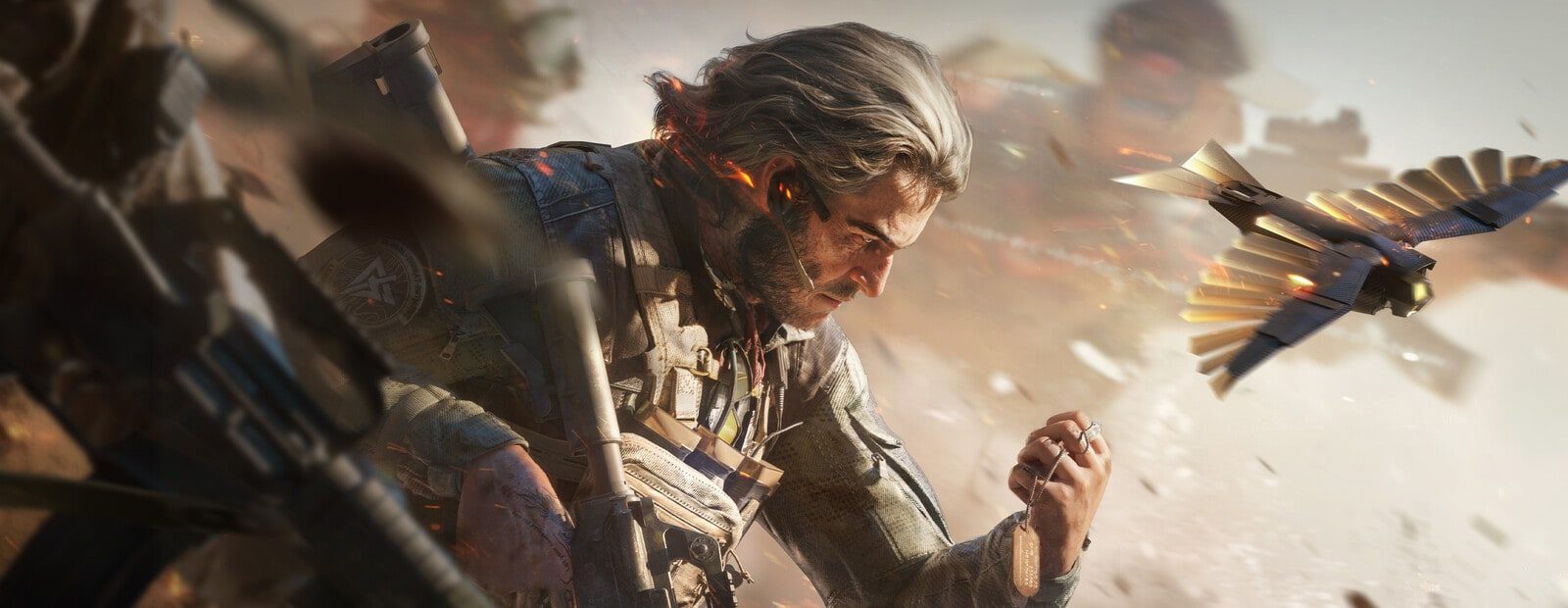
The update’s main focus is the Raven’s Deal event and the Trickster Store. From October 23 through November 9, players can earn event tokens through Operations, Warfare, and Detonation activities, then exchange them for weapon skins, charms, calling cards, spray paint, supplies, and other limited rewards. Hill of Iron is also available for a limited time during the event window.
What this means for cheat software
The announcement contains no statement about an anti-cheat update, a detection wave, bans, or a new countermeasure against third-party software. Nothing in this post can be used to label a product detected, undetected, or safe.
However, the game requires a current client build to log in. Do not assume a loader will work with that build just because the patch notes mostly cover events and cosmetics. Check the compatibility status for the exact product you use—for example, Fecurity or Ghost DF Full—before loading into a match. One product being updated does not confirm the status of another.
If no current status is posted, wait rather than using a main account to find out through trial and error. A crash, a failed injection, or missing features after an update does not prove that an account is banned. Close the game and wait for an update from the product developer instead.
What to do after updating Delta Force
- Update the game through its normal launcher and make sure it starts without third-party software.
- Check the page for your specific product for a compatibility notice. If you need a refresher on visual features, see the ESP, aimbot, radar, and chams guide.
- If compatibility has not been confirmed, do not load the software into matches or attempt random file replacements to force it to run.
- Once a status is available, follow the launch checklist. It can help avoid common mistakes, but it does not remove the risk of a ban.
Should you play Raven’s Deal now?
You can update and access Delta Force itself; the developer has not announced server downtime or matchmaking restrictions. That does not mean every cheat is ready for the new game build. Players running no third-party software can take part in the event during its listed dates. Cheat users should base their decision on the confirmed status of their own product.
If an account has already been banned, do not rely on “guaranteed” fixes or rush into a new setup. Read what to do after a ban for practical next steps and actions that are not useful.
Original source developer announcement