What is changing
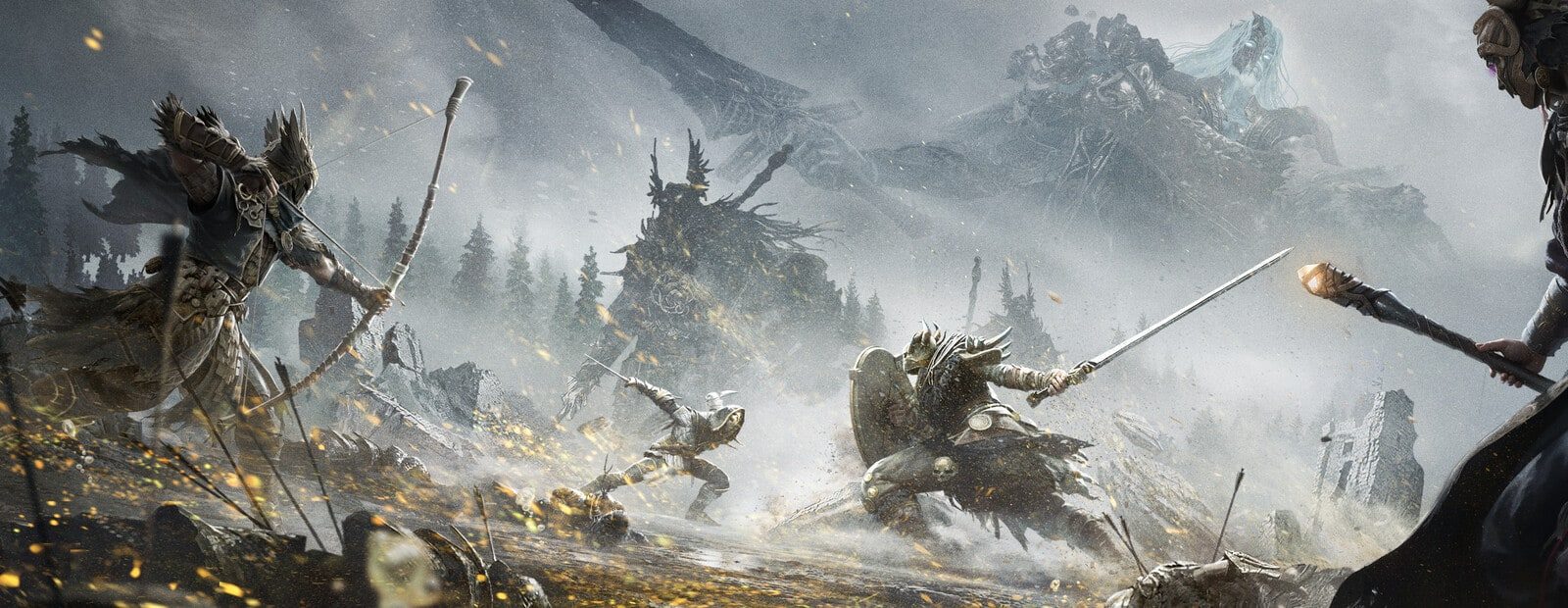
Mistfall Hunter’s developers announced a live update that will not take the servers offline. Once it is deployed, players will need to update the game client through their platform store. The patch includes a Season 2 Preview Event, season-reset and shop-reward interfaces, plus a range of fixes and optimizations.
The event starts after the update and runs through the end of Season 1. Completing its tasks awards Moonlight Nectar and an exclusive earring cosmetic.
One server-side change targets data processing at the moment Returner Woodlings spawn, with the stated goal of improving network latency in that scenario. Combat fixes address several Mercenary Perfect Block issues involving Blackarrow, Breakaway, and a talent, as well as a Reverent Seer problem caused by switching from a tactical item back to Catalyst. Other fixes cover Gyldenmist damage during disconnection, UI and model rendering, missing footsteps, Training Grounds seating, and event-reward claiming.
What this means for cheat users
The announcement says nothing about anti-cheat, detections, ban waves, or new enforcement measures. There is no basis to claim that this patch includes an anti-cheat update.
That said, the game client is changing. Previous cheat compatibility should not be treated as confirmed after a client update. A no-downtime rollout only describes server availability; it does not confirm that third-party software will work with the updated build.
If you use BYSTER for Mistfall Hunter or Arcane for Mistfall Hunter, check the product’s current status in your account area, support channel, or with the seller first. Only launch after the provider confirms an update or compatibility with the current client. Until then, playing without the software or waiting is the sensible option.
The same applies to Shack for Mistfall Hunter and Mason for Mistfall Hunter. A feature count does not indicate readiness for a particular game build; the provider’s update status does.
Risk after the update
There is no confirmed anti-cheat change in this announcement, but every cheat carries a ban risk regardless of the game version. Do not treat the lack of an anti-cheat note in a patch post as a guarantee about running third-party software.
Before launching after the patch, verify your client version, key status, and the provider’s latest notice. Review the safe launch checklist before starting. If a product has no recent status update or support cannot confirm compatibility, that is not evidence that it is ready to use.
Game updates are only one reason cheat users get detected. For an overview of detection waves, behavior, and reports, see Why Cheats Get Detected. If a ban has already happened, follow the steps in What to Do After a Ban instead of relying on random fixes.
Original source developer announcement